3.5.2 Print/Interface/Beep
This menu is intended to allow connection to many third party printers by allowing
customization of the printing interface and data format. Standard receipt printers
typically require setup of the serial interface as specied by the printer manufacturer.
The below list of options provides access to common serial connection setup:
[1] Set BAUD RATE - from [1] 4800 to [7] 115200 (default 9600)
[2] Set DATA BIT - from [1] 5 to [4] 8 (default 8)
[3] Set STOP BIT - [1] 1 or [2] 2 (default 1)
[4] Set PARITY - [1] NONE, [2] ODD or [3] EVEN (default NONE)
[5] Set BEEP - [1] ON or [2] OFF (default ON)
[6] PRINTING SETUP
Options are also available to customize the way the printer functions with the following:
[1] AUTO PRINT (default OFF)
[2] PRINTER AUTO CUT (default OFF)
[3] AUTO PRINT IN GT (default ON)
[4] RESERVED (for future use)
[5] RESERVED (for future use)
[6] SIGNATURE LINE (default ON)
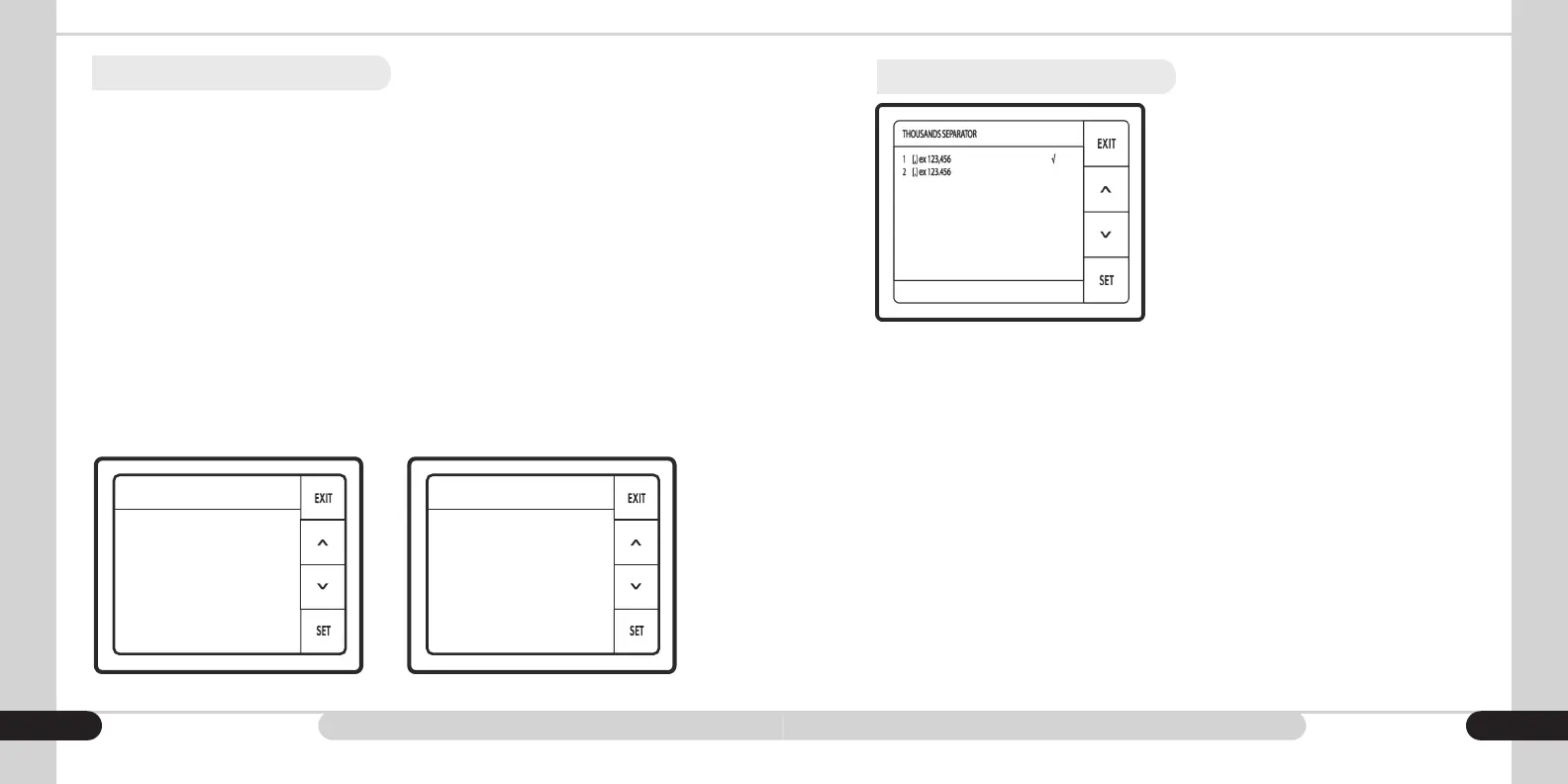
3.5.3 Thousands Separator
Depending on application and region, the user
is able to customize the thousands separator
by choosing to employ a comma as the
separator [1] [,] ex123,456 or a period as
the separator by choosing [2] [.] ex123.456
19 20
PRINT/INTERFACE/BEEP
1 BAUD RATE
2 DATA BIT
3 STOP BIT
4 PARITY
5 BEEP
6 PRINTING SETUP
PRINTING SETUP
1 AUTO PRINT
2 PRINTER AUTO CUT
3 AUTO PRINT IN GT
4 RESERVED
5 RESERVED
6 SIGNATURE LINE 1 (default ON)
7 SIGNATURE LINE 2 (default OFF)
8 COLUMN WIDTH (default 32)



 To Next Page