[Type here] [Type here] [Type here]
9.2
Installing and Adjusting the Router Bit
• Before making any adjustments, please sure that the machine is disconnected
from the electrical power outlet.
1.
Unplug the Castle 110.
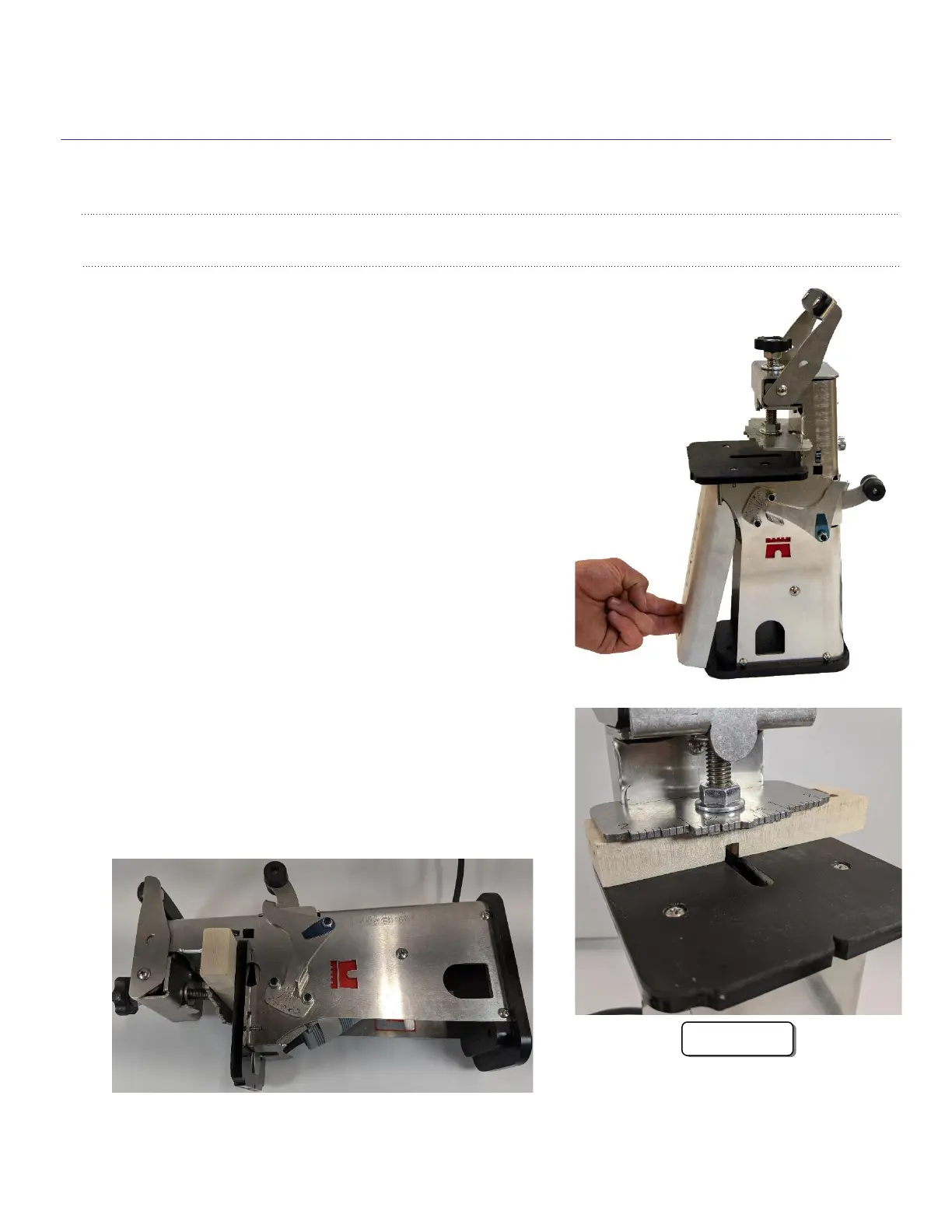
Remove the vacuum cover
from the front of the Castle 110 by placing a finger
inside the vacuum port and firmly pull away from
the main housing.
.
2.
Clamp the setup block with the block flush to left
side of work deck as shown in figure 9b
and
place the machine on its side with the Castle
logo up.


 To Next Page