43
OPERATION
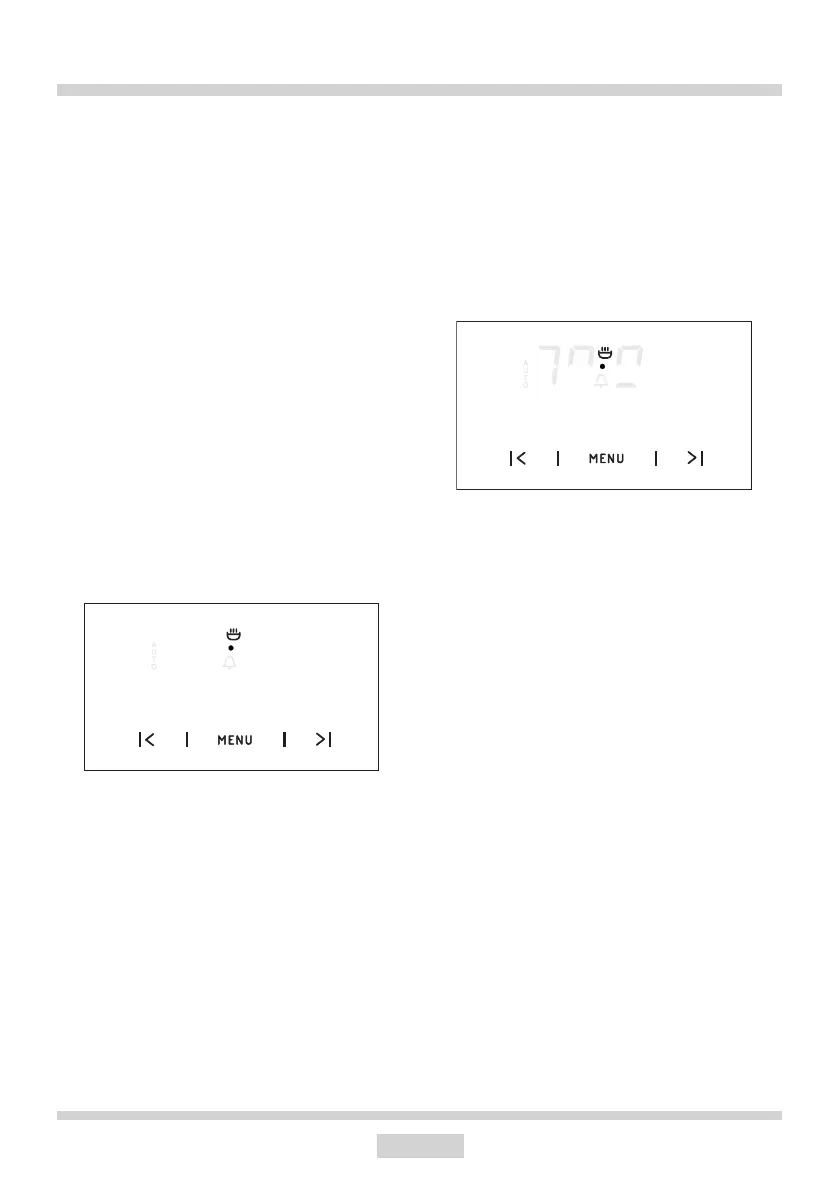
Change the timer beeps
The tone of the timer beeps may be
changed as follows:
lpress sensors < and > simultaneously,
lselect “tone” function with the MENU sen-
sor, the display panel will start to blink:
● with the > sensor press the appropriate
sensors from 1 to 3 to select the option you
wish.
The function AUTO is now on; the oven will
start operating from the point when the dier-
ence between the set operation end time and
the operation duration time occurs (e.g. the
operation time is set to 1 hour, the operation
end time is set to 14.00, so the oven will start
working automatically at 13.00).
When the oven reaches the operation end
time it will switch o automatically, the alarm
will be activated and the function AUTO will
start ashing again.
lSet the oven function knob and the tem-
perature regulator knob to the switched–o
position.
lPress sensor MENU, < and > in order to
switch o the alarm; the function AUTO will go
out and the display will show the current time.
Cancel settings
Timer and automatic function settings may
be cancelled at any time.
Cancel automatic function settings:
lpress sensors < and > simultaneously,
Cancel timer settings:
lpress sensor MENU to select timer set-
tings,
lpress sensors < and > again,
88 81
12 35


 To Next Page