EasyManua.ls Logo

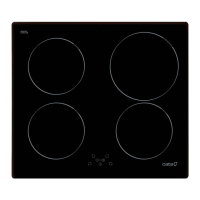
Cata INSB 8021 BK - User Manual

Cata INSB 8021 BK
18 pages
Print Icon
To Next Page IconTo Next Page
Loading...
OPERATION AND STORAGE MANUAL
Read in full and retain for future reference
Keep this manual with the appliance. If the appliance is to be used
by a third party, this instruction manual must be supplied with it.
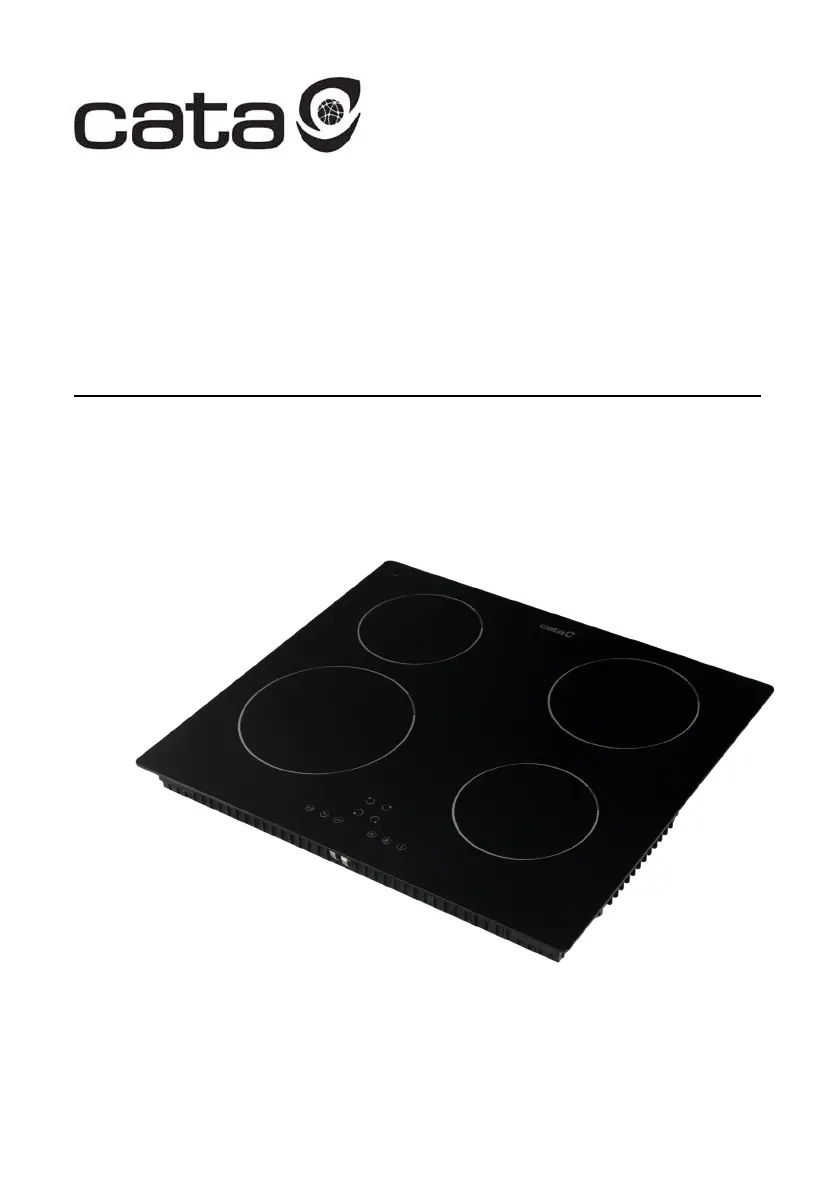
60CM INDUCTION HOB

Other manuals for Cata INSB 8021 BK

Questions and Answers

  • J
    Jonathan RiosAug 21, 2025
    Why are the touch keys on my Cata INSB 8021 BK Hob unresponsive?
    • B
      Barbara JonesAug 21, 2025
      If the touch keys on your Cata hob aren't responding, it's likely that they are locked. To resolve this, unlock the keys. For detailed instructions on how to do this, refer to the ‘Using your induction hob’ section.
  • A
    Ashley YoungAug 25, 2025
    What to do if cookware isn’t becoming hot on Cata hob?
    • M
      msmithAug 25, 2025
      If your Cata hob's cookware isn’t heating up and the symbol has appeared on the display, it could be due to a couple of reasons. Either the cookware isn't suitable for induction cooking, or it's too small for the cooking zone or not properly centered. To fix this, use cookware designed for induction cooking and ensure it's appropriately sized and centered on the cooking zone. See section ‘Choosing the right cookware’ for more details.
  • A
    Alejandro HuntAug 26, 2025
    What does ER03 mean on my Cata INSB 8021 BK Hob?
    • K
      Katherine HoffmanAug 27, 2025
      If you see 'ER03' on your Cata hob, it means water or cookware is over the control area. Simply clean the user interface to resolve this issue.
  • E
    elizabeth19Aug 27, 2025
    Why are the touch keys on my Cata hob difficult to operate?
    • J
      Joseph PageAug 28, 2025
      If the touch keys on your Cata hob are hard to use, it might be because there's a bit of water on them, or you're using just the tip of your finger. Make sure the key area is dry, and use the pad of your finger to touch the keys.
  • M
    millsderekAug 30, 2025
    What does E3E mean on Cata hob?
    • C
      Christopher SnyderAug 30, 2025
      If your Cata hob is showing 'E3E', it indicates an abnormally high supply voltage. Inspect whether the power supply is normal, and power on after it returns to normal.
  • T
    Timothy MillerSep 1, 2025
    What does E4E mean on Cata hob?
    • P
      Patrick RivasSep 1, 2025
      If your Cata hob is showing 'E4E', it indicates an abnormally low supply voltage. Inspect whether the power supply is normal, and power on after it returns to normal.
  • M
    Mark PorterSep 3, 2025
    What does E1E mean on Cata INSB 8021 BK display?
    • J
      Jeffrey RowlandSep 3, 2025
      If your Cata hob is displaying 'E1E', it means the ceramic glass plate sensor is reading a temperature that is too high. Please restart the hob after it cools down.
  • E
    Evelyn MontesSep 5, 2025
    What does E2E mean on my Cata INSB 8021 BK?
    • D
      Dorothy RobinsonSep 5, 2025
      If your Cata hob is displaying 'E2E', it means the IGBT temperature sensor is reading a temperature that is too high. Please restart the hob after it cools down.
  • F
    Felicia BlackSep 7, 2025
    What does E5E mean on Cata INSB 8021 BK Hob display?
    • W
      willie89Sep 8, 2025
      If your Cata hob is displaying 'E5E', it means there is a temperature sensor failure. The connection cable is not correctly plugged in or is defective.
  • D
    David Acevedo DDSSep 10, 2025
    How to prevent scratches on my Cata hob glass?
    • K
      Kenneth GarciaSep 10, 2025
      If your Cata hob's glass is getting scratched, it could be from rough-edged cookware or using the wrong cleaning tools. Use cookware with smooth, flat bottoms. See ‘Choosing the right cookware’ for more information.

Summary

Safety and General Information

Before First Use

Initial steps and checks before operating the appliance for the first time.

Important Safety Measures

Crucial safety warnings and precautions for safe operation and to prevent hazards.

Installation Precautions

Essential safety considerations and requirements for installing the hob correctly.

Installation Guide

Selection of Installation Equipment

Guidance on choosing and preparing work surfaces and equipment for hob installation.

After Installation Checks

Important checks and considerations to perform after the hob has been installed.

Induction Cooking and Cookware

Understanding Induction Cooking

Explains the principles and characteristics of induction cooking technology.

Choosing the Right Cookware

Provides criteria for selecting suitable cookware for induction hobs, including magnet tests.

Product Overview

Product Description and Controls

Overview of the hob's features, controls, and interface elements.

Operation and Features

Starting and Finishing Cooking

Step-by-step guide for starting, operating, and concluding cooking sessions.

Key Operation Functions

Details on using Boost, Cooking Functions, Pause, and Flexible Zone features.

Safety Operation Features

Explanation of Child Lock, Over-heating, Auto Shutdown, and small article detection.

Using the Timer

Guide to using the timer as a minute minder or to turn off cooking zones.

Maintenance and Troubleshooting

Maintenance and Cleaning

Instructions for safely cleaning and maintaining the induction hob.

Troubleshooting Common Errors

Identifies common errors, their possible causes, and solutions.

Customer Support

Cata INSB 8021 BK Specifications

General IconGeneral
Hob typeZone induction hob
Frame formFront bevel
Frame typeFront trim
Product colorBlack
Top surface type-
Appliance placementBuilt-in
Cooking zone 1 typeLarge
Cooking zone 3 typeExtra large
Cooking zone 4 typeRegular
Cooking zone 1 boost2800 W
Cooking zone 1 power2000 W
Cooking zone 1 shapeRectangular
Cooking zone 2 power1500 W
Cooking zone 3 boost3000 W
Cooking zone 3 power2300 W
Cooking zone 3 shapeRound
Cooking zone 4 power1200 W
Flexible cooking zoneYes
Cooking zone 1 positionLeft rear
Cooking zone 2 positionLeft front
Cooking zone 3 diameter300 mm
Cooking zone 3 positionCentral
Cooking zone 4 diameter180 mm
Cooking zone 4 positionRight front
Number of cooking zones4 zone(s)
Cooking zone 1 power sourceElectric
Cooking zone 1 size (W x D)200 x 210 mm
Number of gas cooking zones0 zone(s)
Boost flexible cooking zone 13500 W
Number of flexible cooking zones1 zone(s)
Flexible cooking zone 1 size (W x D)210 x 400 mm
Number of simultaneously used cooking zones4
Number of boosters5
Number of power levels9
Control typeTouch
Control positionFront
AC input voltage220 - 240 V
AC input frequency50 - 60 Hz
Connected load (gas)- W
Connected load (electric)7200 W
Weight and Dimensions IconWeight and Dimensions
Depth520 mm
Width800 mm
Height60 mm
Installation compartment depth495 mm
Installation compartment width565 mm
Installation compartment height5 mm

Related product manuals