VECTOR USER GUIDE 8
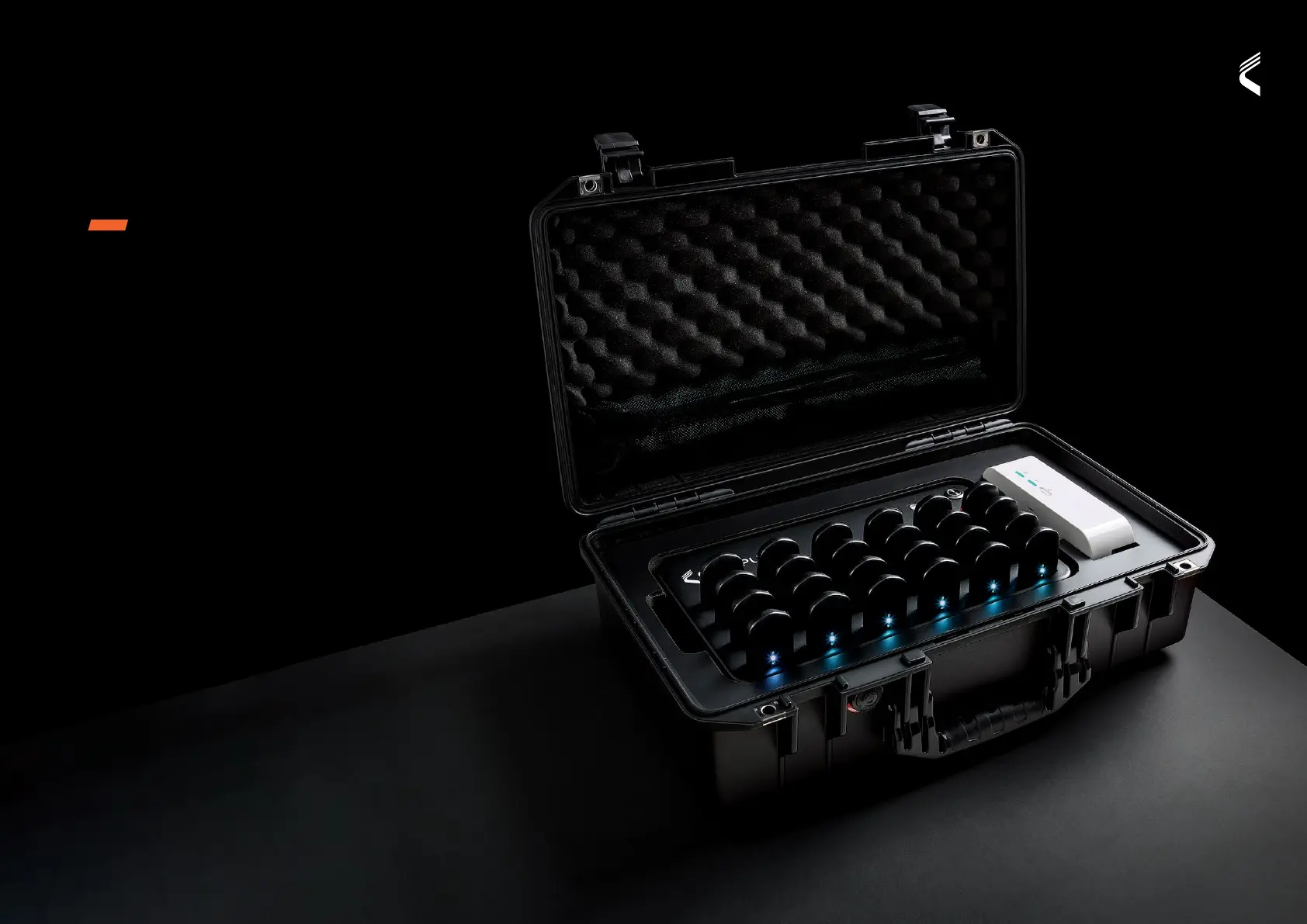
VECTOR DOCK
FOLIO NAME
FUNCTIONS
• Power On/Off - Press power button.
Light indicates status
• Device Ignition - Devices can be turned on & off
by the Dock when they are connected
• Download Devices - Dock must be turned on,
devices connected and USB cable connected
to computer
• Charge Dock & Devices - Connect dock to the
mains power supply, full charge of dock and
devices is 90 minutes.
• Portability - The dock’s on-board battery
enables data download and device ignition
without mains power
VECTOR


 To Next Page