EasyManua.ls Logo

Catler BL 8011 - User Manual

Catler BL 8011
36 pages
Print Icon
To Next Page IconTo Next Page
Loading...
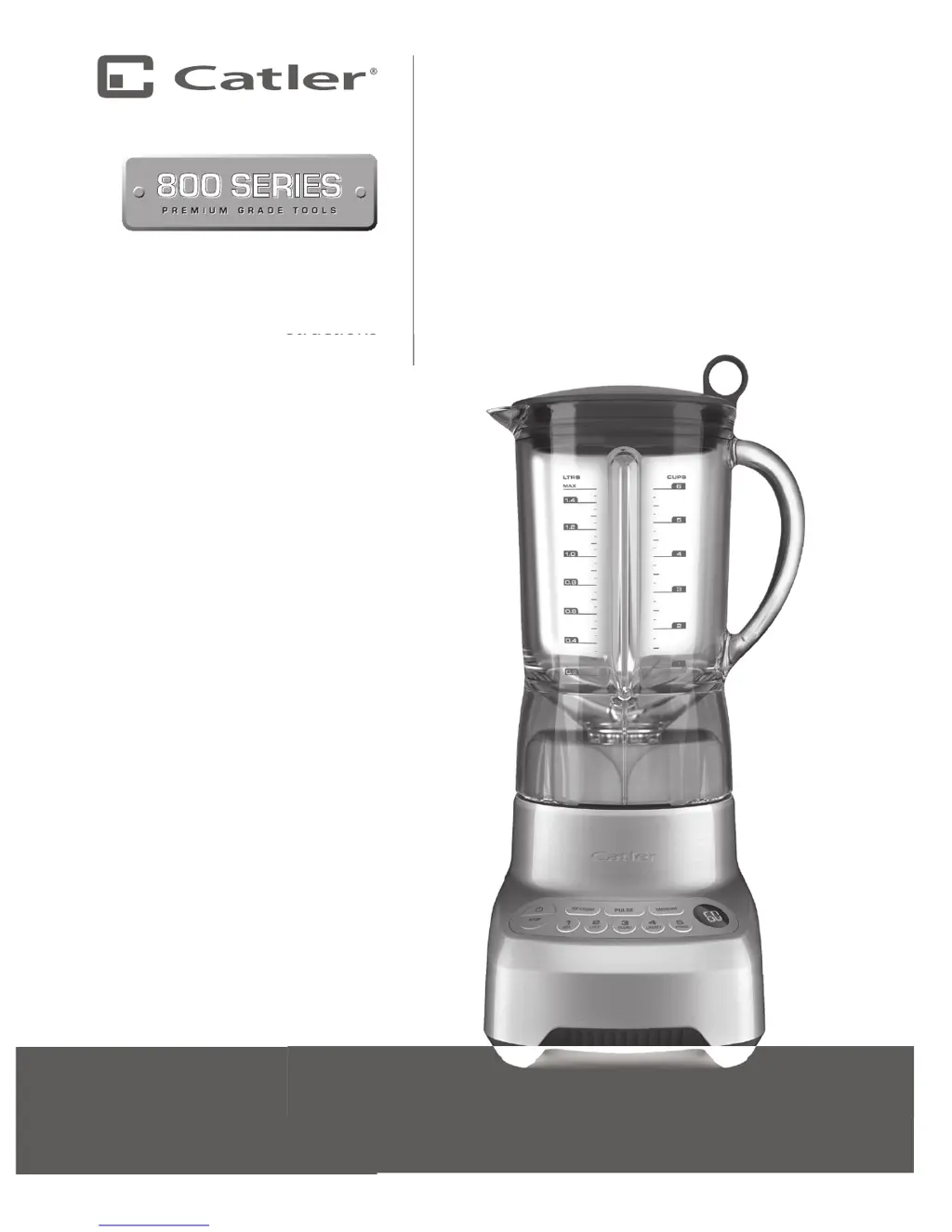
ELECTRONIC
BLENDER
BL 8011
Instructions
for use
structions
f
o
r
us
e

Questions and Answers

  • L
    leekatieAug 10, 2025
    What to do if the Catler BL 8011 motor doesn’t start?
    • R
      randalldavidAug 11, 2025
      If the Catler Blender motor doesn't start or the blade doesn't rotate, first ensure the power plug is securely inserted into the outlet and switched on. Also, verify that the blender jug and lid are correctly positioned. Check that the ‘Power’ button and your chosen function or speed setting are lit up. Finally, make sure you're only pressing one speed or function button at a time.
  • J
    James RodriguezAug 16, 2025
    What to do if the Catler Blender is overloaded?
    • M
      Michelle MendozaAug 16, 2025
      If your Catler Blender is overloaded, it means the motor is experiencing too much strain. Once the overload icon stops flashing, the blender has cooled down and can be used again as instructed. If the blender is in standby mode, simply press the desired function button to resume blending. If you switched the blender off, turn it back on and wait for the icon to stop flashing before blending again. It’s recommended to reduce the amount of mixture, cut food into smaller pieces, or process smaller batches.
  • R
    rmartinAug 22, 2025
    Why is food chopped too fine in my Catler BL 8011?
    • C
      choiamandaAug 22, 2025
      If food is chopped too fine or becomes watery in your Catler Blender, try blending for a shorter duration. For better control, consider using the ‘PULSE’ function.
  • A
    Anthony StewartAug 28, 2025
    How to prevent uneven chopping in Catler BL 8011 Blender?
    • F
      fknightAug 28, 2025
      If the food is unevenly chopped in your Catler Blender, try cutting the food into smaller, evenly sized pieces and process smaller amounts per batch. For optimal results, ensure the food is chopped into pieces no larger than 2cm.
  • D
    Donna WhiteSep 3, 2025
    What to do if food sticks to the Catler BL 8011 blade?
    • A
      Ann MeyerSep 3, 2025
      If food sticks to the blade and jug of your Catler Blender, the mixture might be too thick. Try adding more liquid and/or using a slower speed to improve blending.

Summary

Catler Safety Guidelines

Important Safeguards for Your Blender BL 8011

Essential safety precautions for operating the Catler BL 8011 blender.

Important Safeguards for All Electrical Appliances

General safety rules applicable to all electrical appliances for safe usage.

Critical Usage Warnings

Key warnings about appliance operation, placement, and power cord handling.

Assembling and Operating Your Blender

Basic Operation Steps

Detailed guide on powering on, selecting speeds, and the automatic shut-off function.

Special Programs: Ice Crush & Smoothie

Explanation of pre-programmed cycles for optimized blending results.

Pulse Function and Mixing Completion

How to use the pulse function and safely complete mixing and power down.

Care and Cleaning

Tips on How to Use Your Blender

Troubleshooting Guide

Common Blender Issues and Solutions

A guide to diagnosing and resolving common problems encountered with the blender.

Catler BL 8011 Specifications

General IconGeneral
BrandCatler
ModelBL 8011
CategoryBlender
LanguageEnglish