10. ADD EXTRA DEVICE:
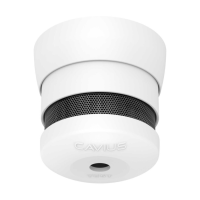
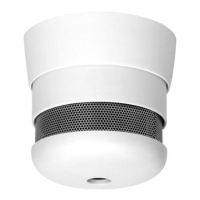
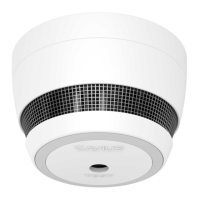
All CAVIUS™ interconnected alarms within the
can be added to the system as they run on the
same frequency and use the same data protocol.This means that the
wireless system can consist of a combination of smoke & heat alarms.
Place all alarms into ‘Link Mode’ and repeat section 1.
Always test connection to all devices by repeating test function section 6
after adding devices.
24


 To Next Page