13. Play the songs from CD or CD+G disc in the CD-ROM drive.
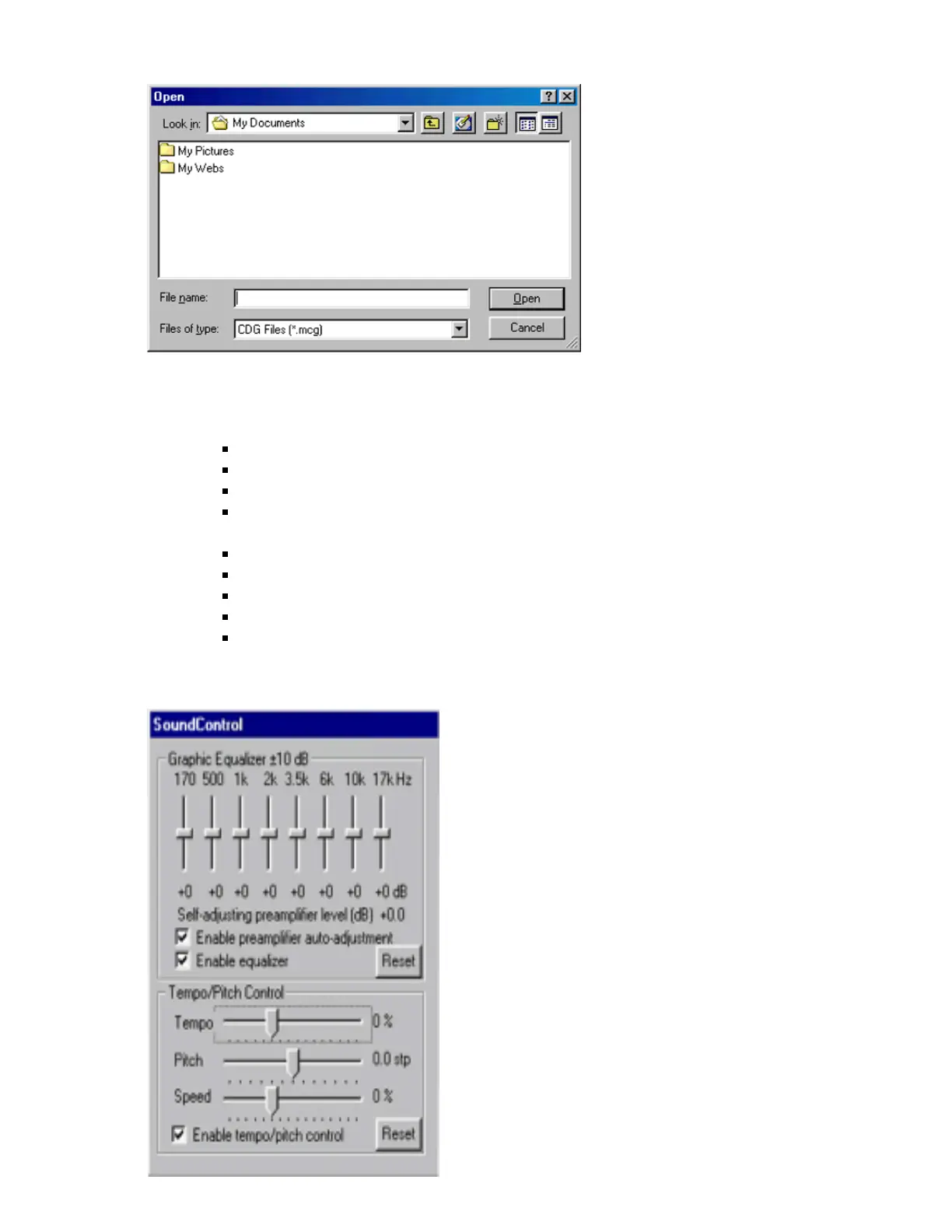
14. Display Equalizer, Key Control, and Tempo Control window:
Equalizer Features:
Control the volume levels of 8 frequency blocks.
Enable/disable Auto-adjustment Preamplifier.
Reset after finishing a song
Enable Equalizer
Key & Tempo Control Features:
Tempo Control (-25%, 50%)
Pitch Control (-6.0stp, 6.0stp)
Speed Control (-25%, 50%)
Reset after finishing a song
Enable tempo/pitch control
Press the button again to close the EQ window.



 To Next Page