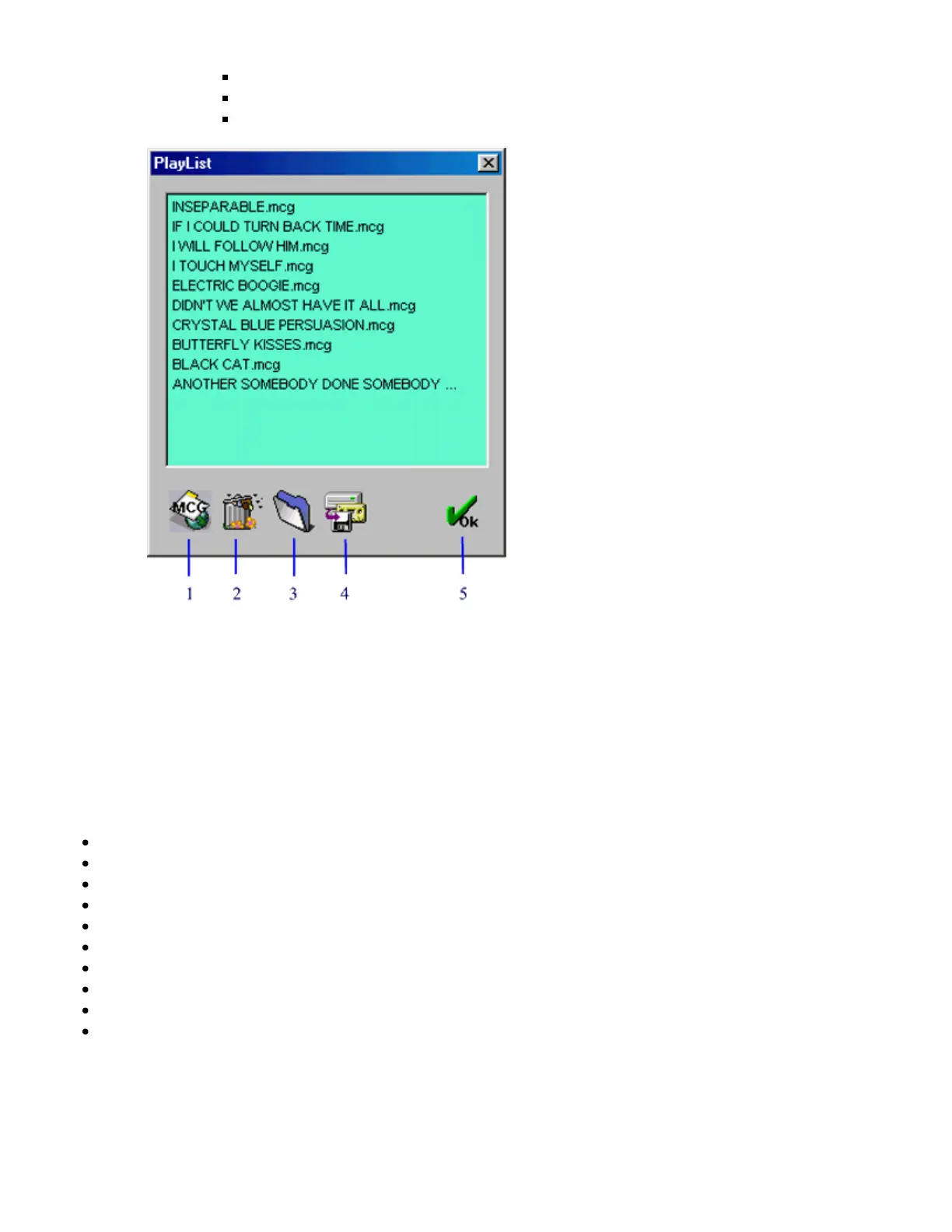
15. Display Play List
Program songs for play and save.
Drag-in play: Drag-in a song from anywhere in Windows to begin playing.
Double click on any song in the Play List to begin playing.
1. Browse for song files *.mcg or *.cdg (RW files).
2. Delete song files.
3. Find a saved list.
4. Save the list.
5. Return to control panel.
16. Reduce the control panel to minimum.
Hot Key Controls
R : Repeat
E : Activate / Deactivate Equalizer
H : Show / Hide Equalizer
C : CD
O : Open
V : Voice Cancel
S : Stop
< : Prev
> : Next
P : Play/Pause
TROUBLE SHOOTING
Helpful Hints



 To Next Page