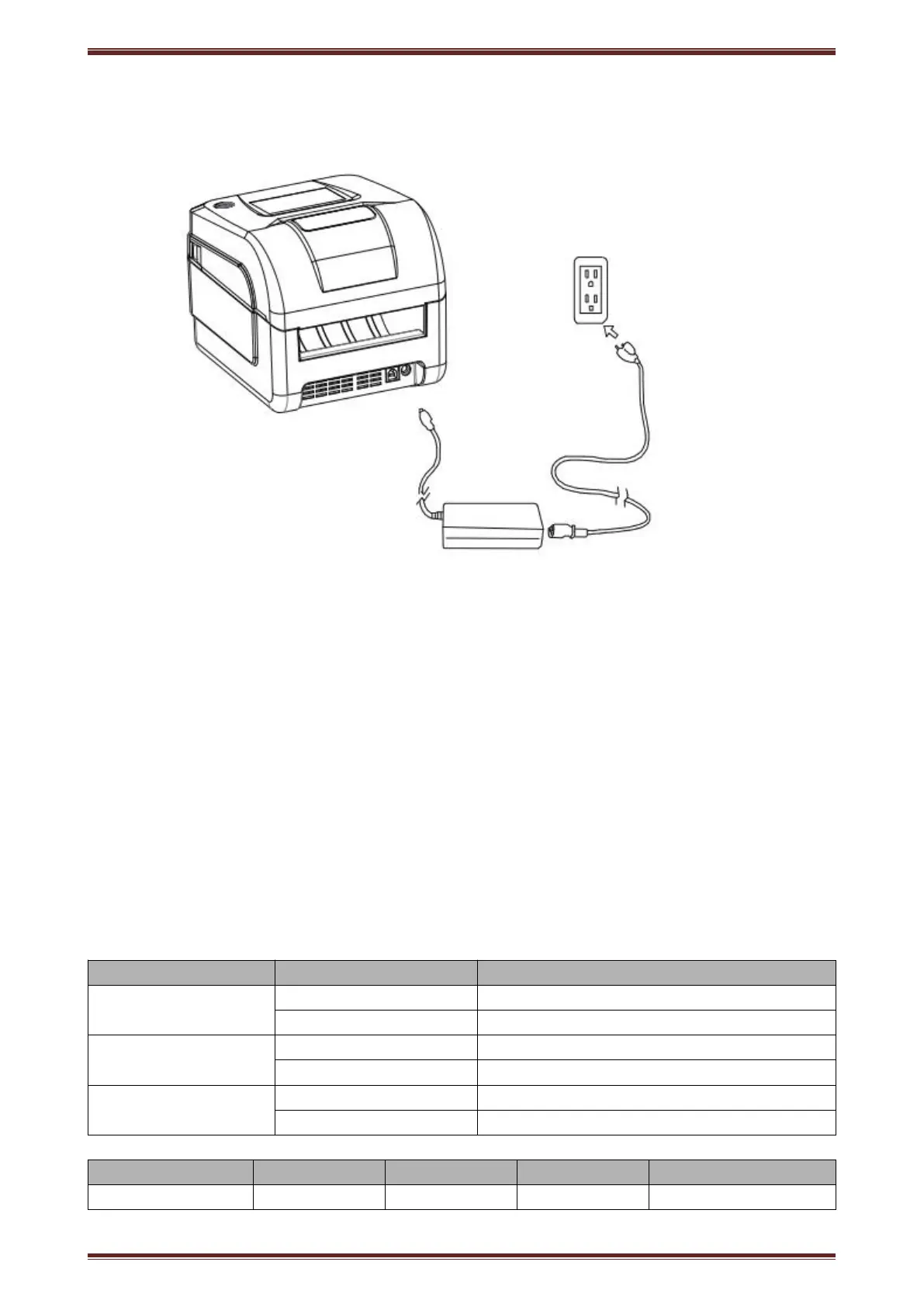
Thermal Label printer User’s manual
Function instruction of components
1)Power switch
Press “O” side to power off, press “I” side to power on.
2)Power indicator(green)
The indicator is on when power on, and it is off when power off.
3)Error indicator (Red)
Error indicator is on when it detects error. Such as: paper out, upper cover is open.
4)Paper indicator(red)
Paper out indicator is on when it detects the paper is out. Please put a new paper roll to printer inside then.
3.2 Indicator and buzzer instruction
1)Function instruction of indicators and buzzer
Printer is in error status
Printer is in normal status
Paper out indicator
(Paper)
Printer is in paper out status
Printer is in normal status
It rings 6 times by 1.5s.


 To Next Page