Thermal Label printer User’s manual
It rings 3 times by 1.5s.
Note: Printer detects printer head temperature via thermal resistance. It will cut off print head power
and stop printing if print head is overheat. The print head protection temperature is 80℃.
4 Printer installation
4.1 Open the package
Please make sure everything is in good status when you open the package. Otherwise, please contact the
distributor in time.
4.2 Requirements of installation position
1) Put the printer on a stably place.
2) Let the printer far away from water, fire, and sunlight.
3) Avoid to put it on oscillatory and impassive place.
4) Make sure to connect printer with ground safety
4.3 Connect to power adapter
1) Make sure the printer is power off.
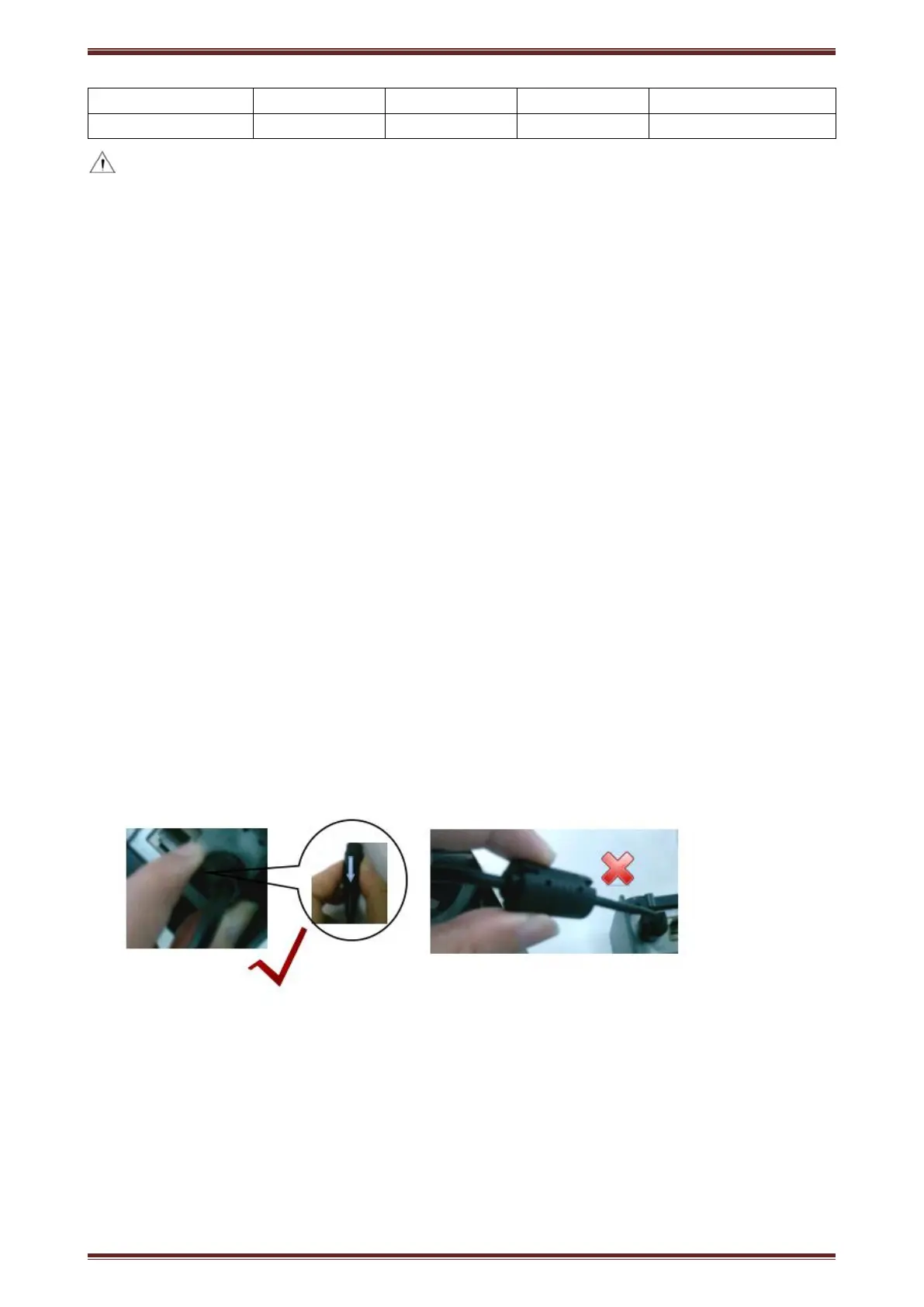
2) Connect power adapter’s DC output plug to the printer.
3) Connect power adapter’s AC input plug to a power outlet.
4) Please be careful to operate correctly when plug out the plug of power cord to avoid damage.


 To Next Page