19
For normal operation, you do not need to change most default settings. Carefully
consider the following caution statements:
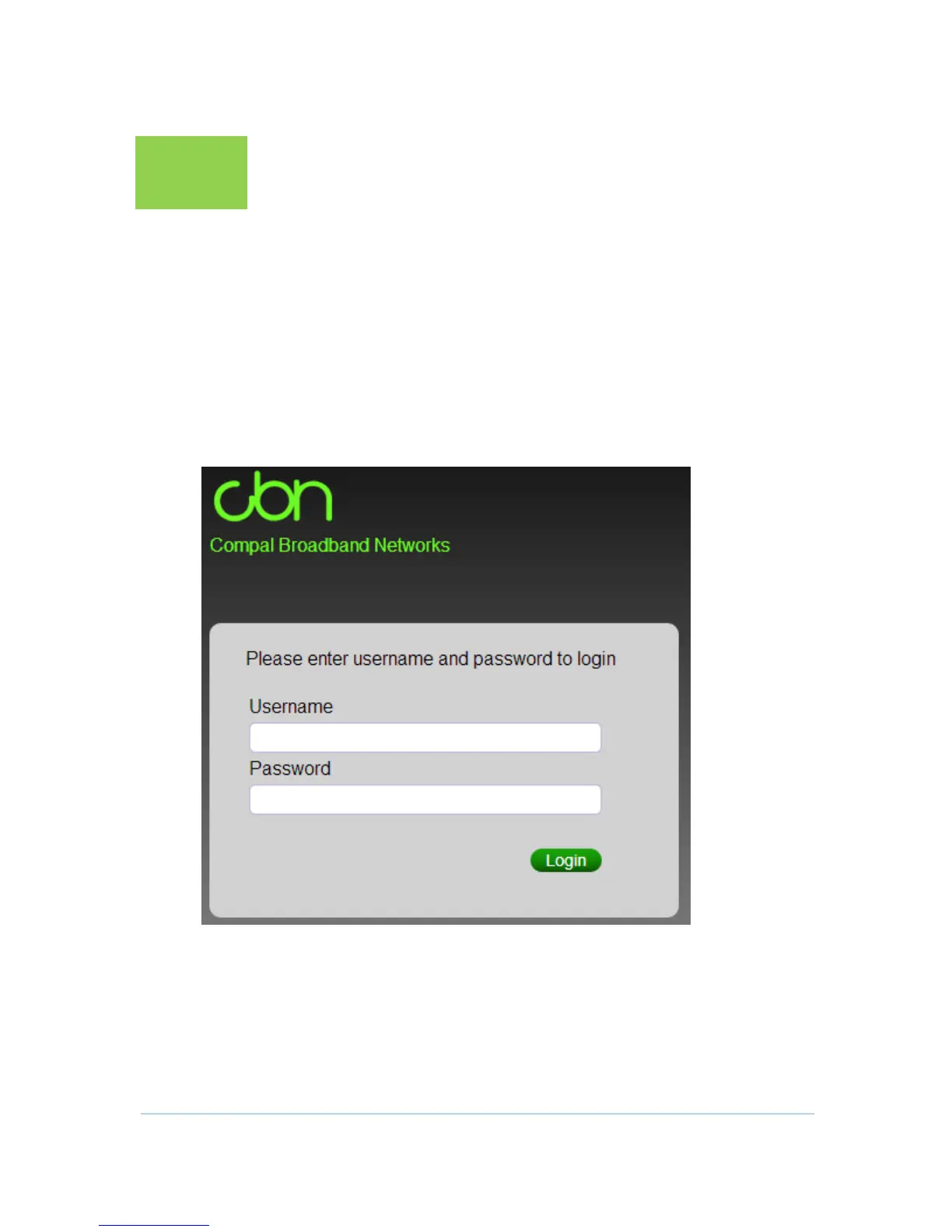
Starting the CG7486E Configuration Manager (CMGR)
The CG7486E Configuration Manager (CMGR) allows you to change and view
the settings on your CG7486E.
In order to login CMGR, you should key in the correct Username and Password.
By default, they should be admin and admin.


 To Next Page