WƌŝŵĞ hƐĞƌDĂŶƵĂů
7.3 Installation
Note:
z Under different operating systems, the screen may be slightly different. Take Windows ϭϬ as
example.
z Take printer Prime as example.
z To avoid the prevention, recommend to close the security software before installation.
1.Select one interface to connect your printer to computer.
2.Turn on the printer and check if it is connected to computer successfully.
3.Double click Seagull Windows Driver .
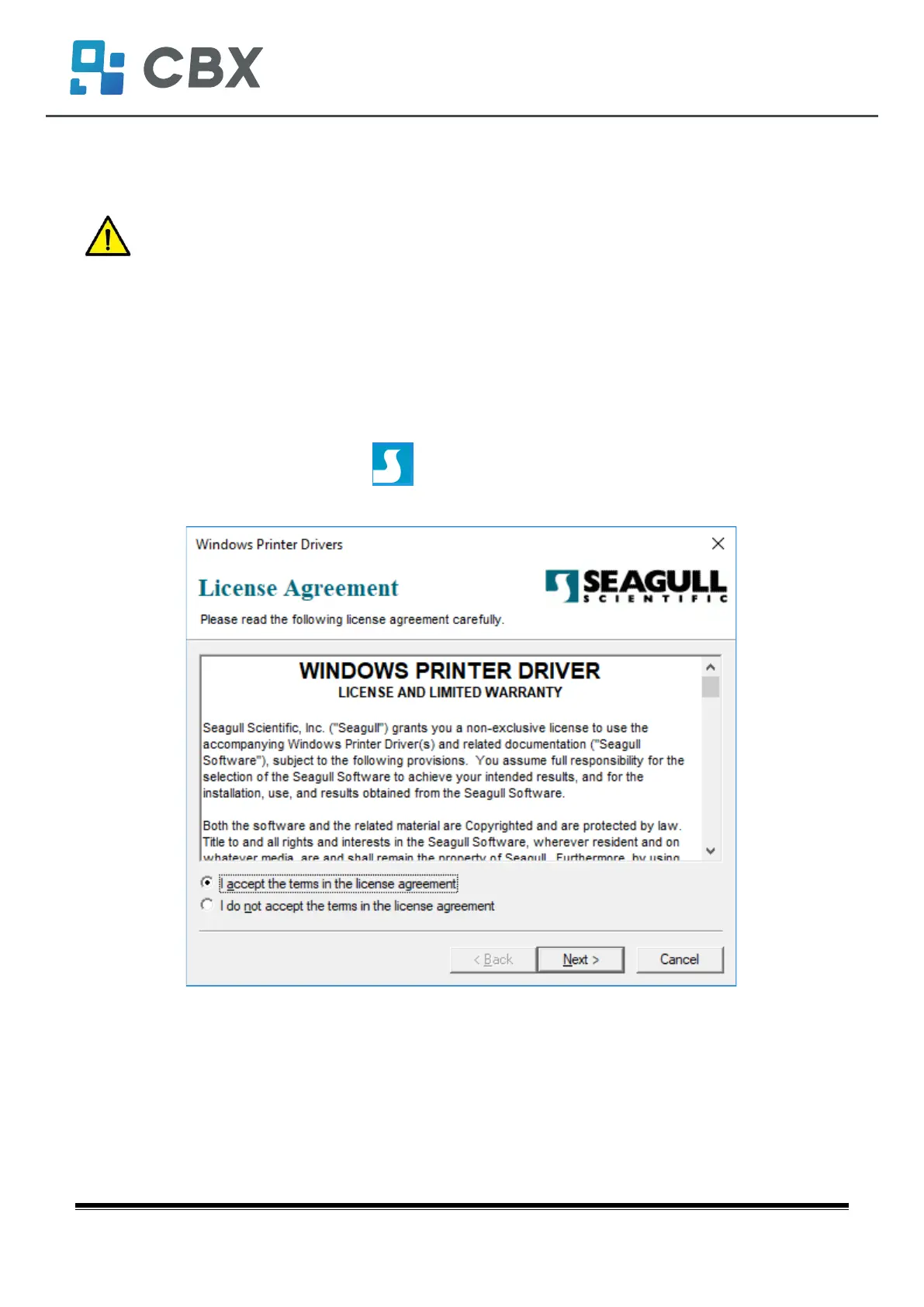
4.Read and agree the license agreement. Then click “Next”.
Prime-8EW / User Manual
iDP-408


 To Next Page