04
CCELL User guide
How to Use
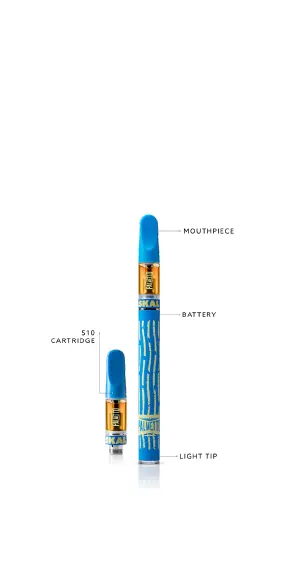
01. Insert/drop cartridge into device and secure the
cartridge by screwing in the 510 thread tightly.
02. Draw on mouthpiece (cartridge end) to activate.
Halo lights to indicate the power supply is on
and active.
03. Device is empty when vapor is no longer
produced when activated.
04. Light tip ashes 10 times when the battery is
depleted.
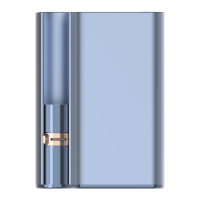
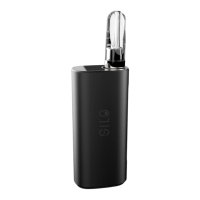
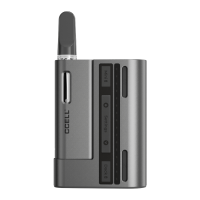
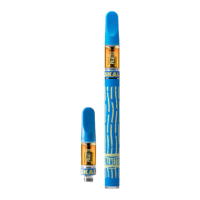
Picture shown may vary slightly from actual product.


 To Next Page