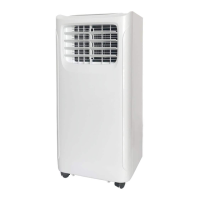
Components and Parts
1
5
4
2
6
7
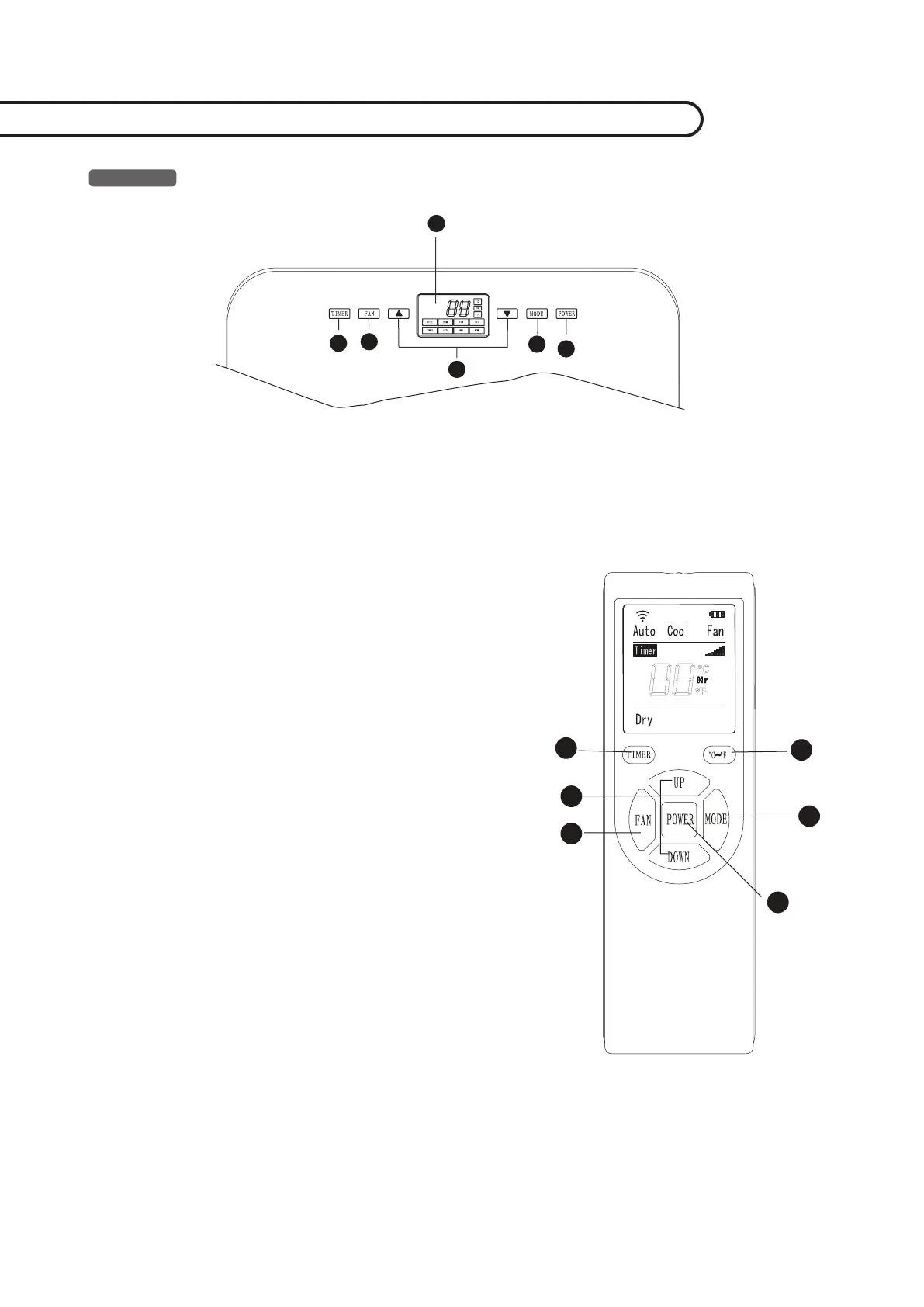
Power on/off key
Pressing this key can turn on/off the air conditioner.
Mode selection
Pressing this key can select refrigeration, air supply,
dehumidification and auto modes.
°
C/
°
F Conversion key
Pressing this key can realize display conversion
between°C and°F.
Temperature and time UP/DOWN key
When running in refrigeration mode, pressing this
key can regulate setting temperature up and down;
in timer mode pressing this key can regulate turn on/
off time. In the meantime pressing up/down key can
realize display conversion between°C and°F.
Air speed selection key
Pressing this key can select high, medium and low air
speeds.
Timer function key
In standby state pressing this key can set timer startup
time; and in startup state pressing this key and set time
shutdown time.
Display window
This window displays the regulated temperature and
time.
1.
2.
3.
4.
5.
6.
7.
1
2
6
4
5
3
7/8



 To Next Page