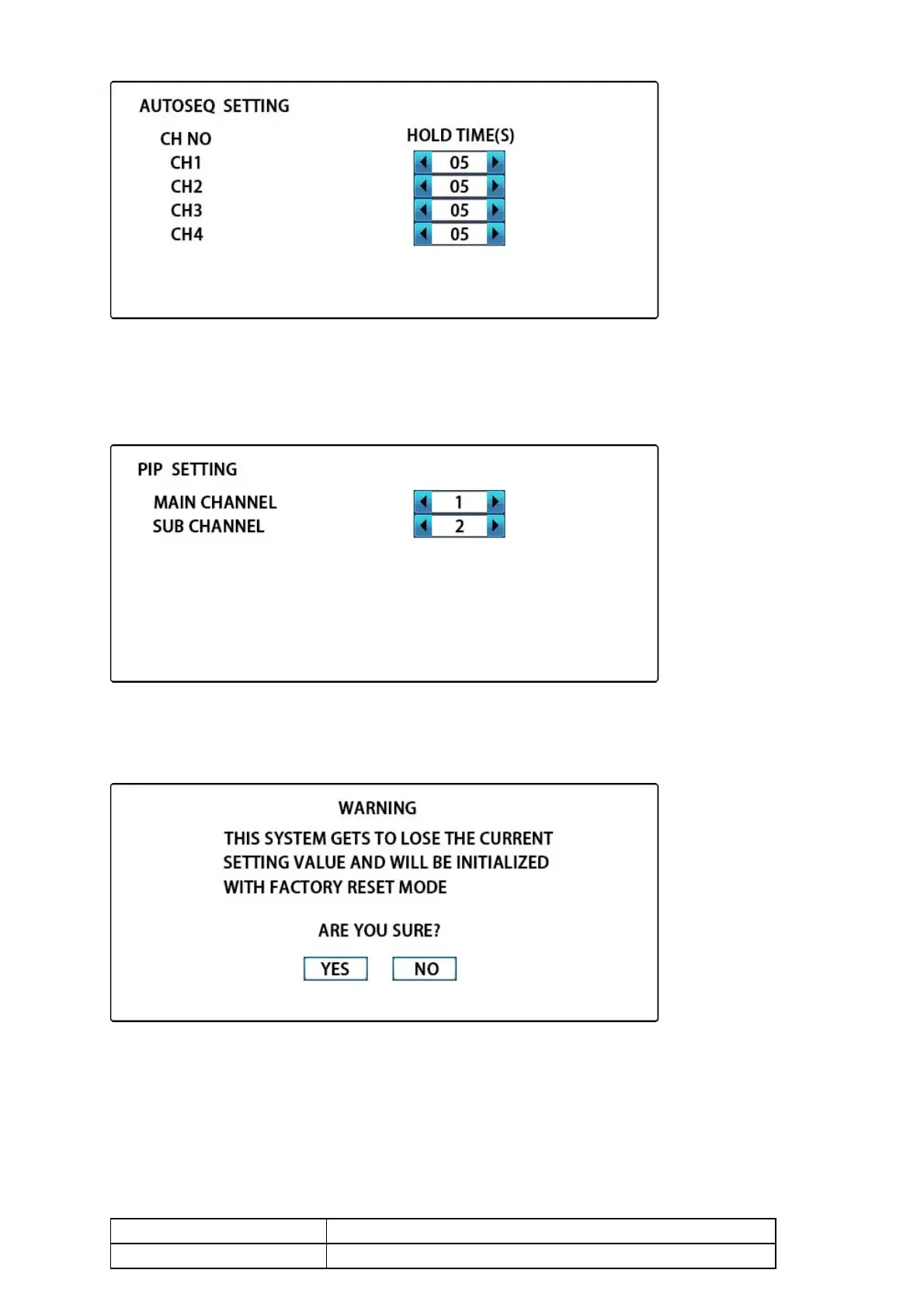
9.5 PIP SETTING
As follow, move to the desired position using the UP/DOWN button, adjust the output channel of main
channel and sub channel using the LEFT/RIGHT button, press the MENU button to back to the main
menu.
9.6 SYSTEM RESET
As follow, move to the desired position using the LEFT/RIGHT button, press ENTER button to enter and
back to the main menu.
10.Specifications
4CH BNC HD-TVI, AHD, HD-CVI, analog CCTV supported



 To Next Page