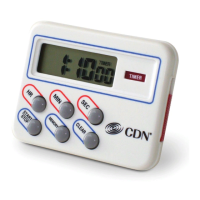
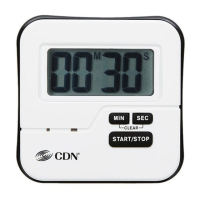
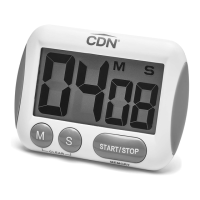
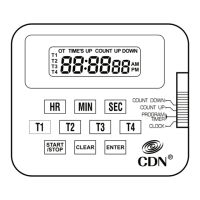
Features
• Countsup&down
• Bigdigit
• Directentry
• Loudandlongalarm
• Audio/vibratealarm
• Stopandrestart
• Lastcountrecall
• Countsupafterzero
• Brushedstainlesssteelnish
• ABSplastic
• Slidingmodeswitch
• 4-waymounting:
pocketclip/magnet/stand/loop
• Batteryandinstructionsincluded
Note:Removestickerfromdisplaybeforeuse.
Note:Inthefollowinginstructions,namesofthecontrol
buttonsareshowninCAPS.Functioninformationthatappears
onthedisplayisshowninBOLD CAPS.
Battery Installation
ReplacebatterywhenLCDbecomesdimoralarm
leveldeclines.
1.Removebatterydoorinbackbyslidingin
directionofarrow.
2.Install1.5VAAAbatteryobservingpolarity
shownincompartment.
3.Thedisplaywillshowallsegmentsanda“beep”
willsound.
4.Replacebatterydoor.
Operating Instructions
A. Set Alarm
1.SlideswitchonthebacktoBEEPorVIBRATE
toselectalarmmode.
B. Count Down
1.Enterthetimetobecountedonthe1–0
keypad.Forexample,tocount3minutes
exactly,enter300forthreeminutes,
zeroseconds.Tocount9hours,45minutes
and30seconds,enter94530.
2.PressSTART/STOPtostartthecountdown.
PressSTART/STOPbuttontointerruptthe
count.PressSTART/STOPbuttonagainto
resumethecount.
3.Toclearthecountbeforereachingzero,
stopthecountbypressingSTART/STOP.
ThenpresstheCLEARbutton.
Note:Thecountmustrstbestoppedtoprevent
accidentalclearingofthedisplay.
4.Onreachingzerothealarmwillsoundforone
minute,thedisplaywillashandwillstart
tocountuptoindicatetheovertimesince
reachingzero.Themaximumovertimeis
10hours.
5.PressSTART/STOPtostopthealarmandthe
countup.Thelastcountisrecalled.
6.PressCLEARtoresetto0:00
00.
C. Count Up
1.Whenthetimerisstopped,pressCLEARto
resetto0:00
00.
2.PressSTART/STOPtobeginthecountuptoa
maximumof10hours.
3.PressSTART/STOPtointerruptthecount.
PressSTART/STOPagaintoresumethecount.
4.Toclearthedisplay,pressSTART/STOPto
stopthecount.Then,pressCLEARtoresetthe
displayto0:00
00.
Model: TM30
Direct Entry
2-Alarm Timer
Counts 10 hours by minutes & seconds
1
START/STOP
6
2
7
3
8
4
9
5
0
CLEAR
Component Design Northwest, Inc.
Portland, OR
Model TM30
VIBRATE
BEEP

 Need help?

 To Next Page
 General