4
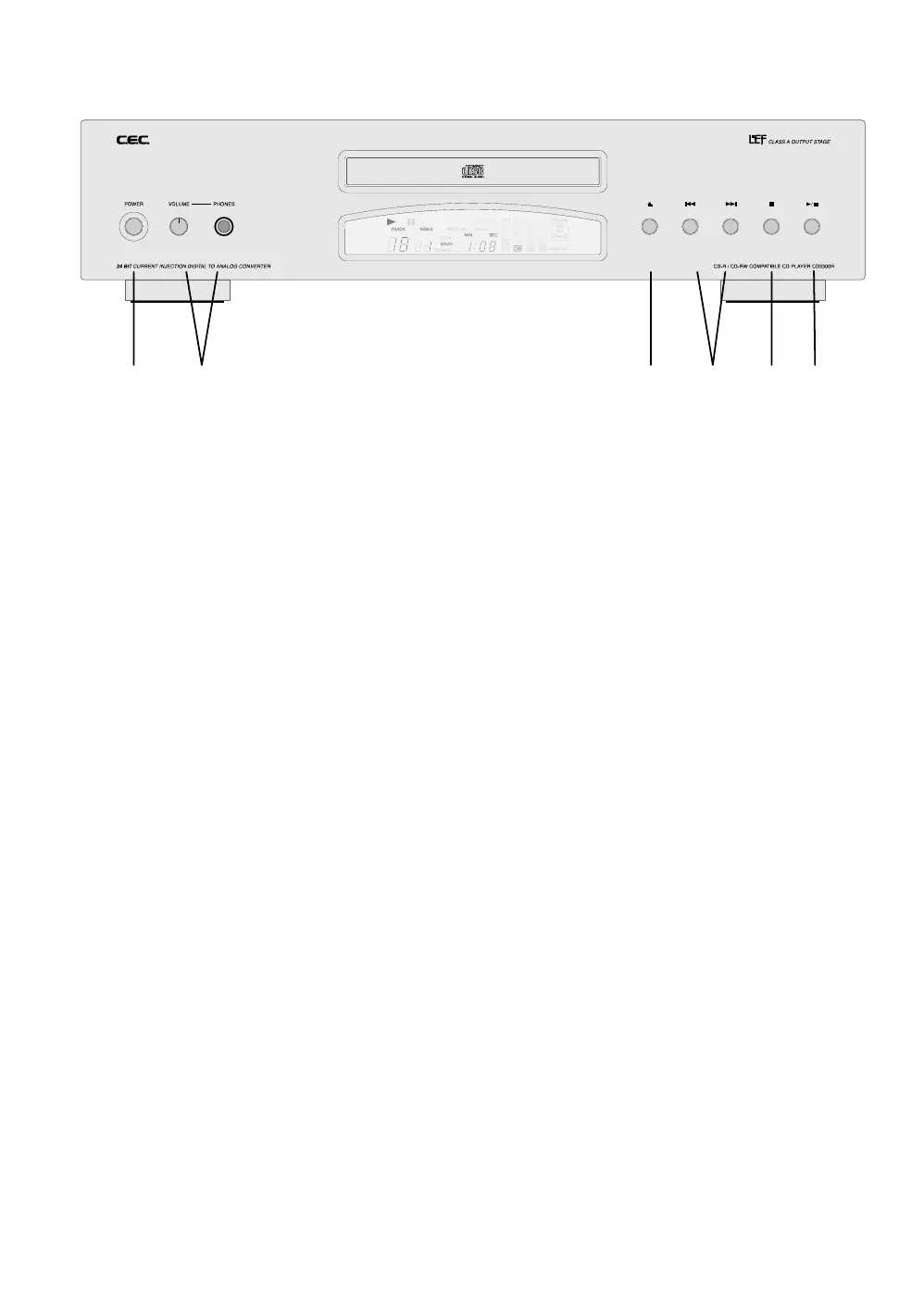
X Power - Power switch. Turns the unit on / off.
Y Phones - 6.3mm standard headphone terminal and headphone volume control.
The outputs on the backside of the unit are not affected by the volume control.
Z Open / Close - Tray open and close
[ Music Skip - Jump to next or previous track
\ Stop - Finish music play
] Play / Pause - Starts music reproduction. During play toggles between play and pause.
Two easy ways to play a CD:
1.: Open the tray by pressing
Z, insert a CD and press ].
2.: Open the tray by pressing Z, insert a CD, close the tray by pressing Z again, wait until the
display shows the content of the CD, then press
].
Front Panel Functions
XY Z[\]


 To Next Page