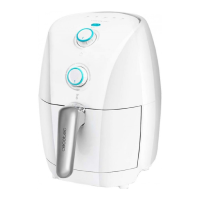
CECOFRY EXPERIENCE WINDOW WHITE 6000
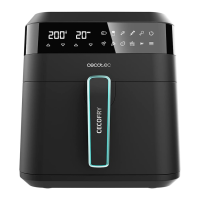
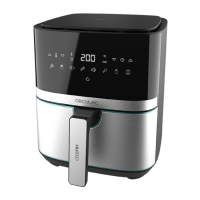
CECOFRY EXPERIENCE 6000
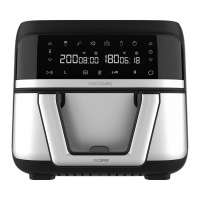
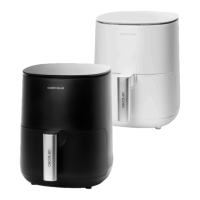
CECOFRY EXPERIENCE WINDOW 6000
32
2. BEFORE USE
- This air fryer has a packaging designed to protect it during transport. Unpack the
appliance and keep the original packaging box and other packaging materials in a safe
place. It will help you prevent any damage if the product needs to be transported in the
future. In case the original packaging is disposed of, make sure all packaging materials
are recycled accordingly.
- Make sure all parts and components are included and in good conditions. If there is any
piece missing or not in good condition, immediately contact the Technical Support Service
of Cecotec.
- Clean the basket and grill thoroughly with hot water, washing-up liquid and a
non-abrasive sponge.
- Clean both the interior and the exterior of the device with a damp cloth.
- Make sure all parts of the air fryer are completely dry and place the rack in the basket
properly.
- Place the air fryer on a stable, at surface.
Warning
- Do not wet the heating element inside the fryer.
- Do not ll the air fryer with oil or any other liquid.
- Do not place the device on any surface that it is not heat-resistant.
Please note
You may notice a slight burning smell or smoke when using the fryer for the rst time, caused
by the excess of lubricants from the manufacturing process. This will not aect the fryer
safety.
3. OPERATION
1. Place the air fryer on a stable, at surface.
2. Connect it to a mains socket.
3. Use the handle (4) to remove the basket (3). Do it carefully. Make sure the rack (5) is
correctly placed in the basket (3).
4. Put the ingredients inside the basket (3).
5. Place the basket back (3). The fryer has a safety system that will not allow you to use it
if the basket is not in place (3).
6. Press the On/o icon (7), then select the desired pre-set function (12) or set the desired
time (1-60 minutes) and the temperature (80-200ºC) and press the On/o icon (7). The
fryer will start operating.
7. If at any point during cooking you wish to pause the process, press the On/o icon (7). If
ENGLISH






 To Next Page