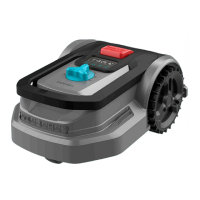
CONGA GRASSHOPPER 500 CONNECTED
128
ENGLISH
Zone conguration
- The mower has built-in intelligent navigation technology that enables it to start the cutting
task from a dierent point than the charging station. This function is highly recommended
to obtain a better result in the total coverage of the cutting area.
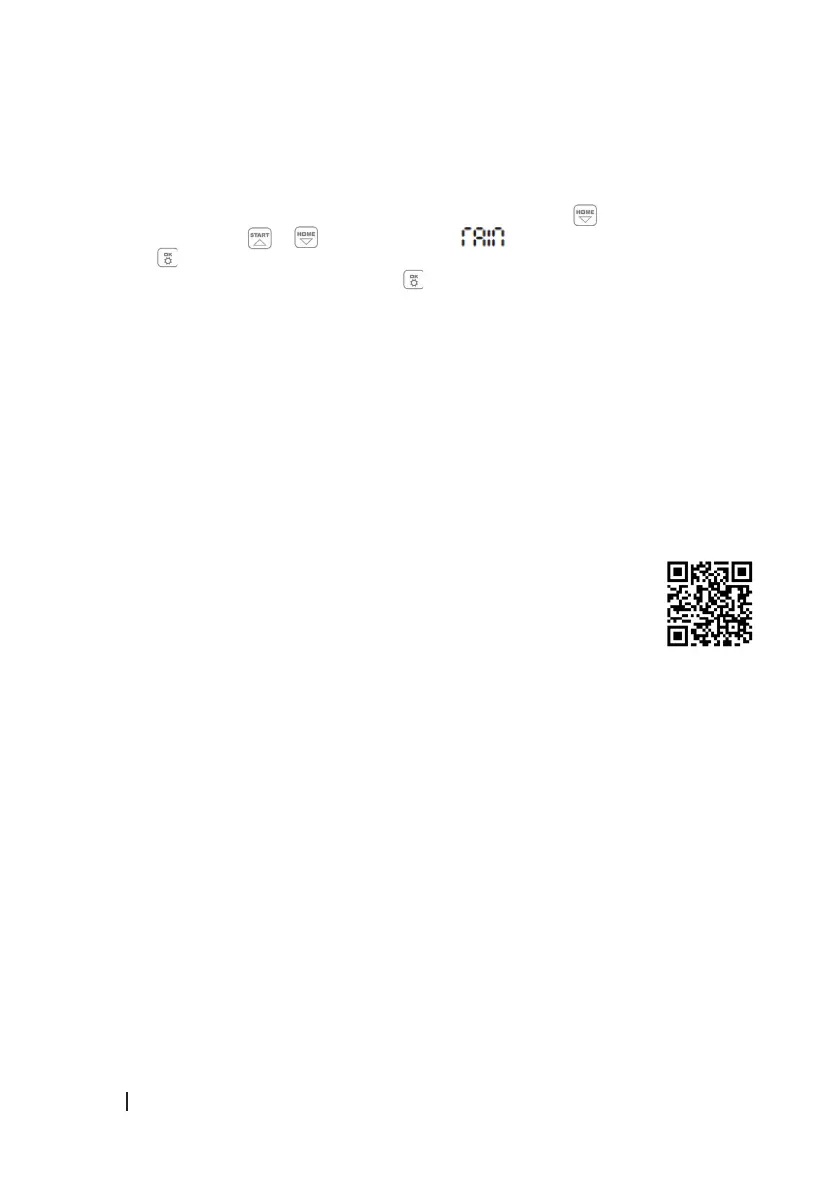
- This option is by default on but can be changed by pressing the button for 3 seconds
and then pressing or to switch from the menu to the ZONE menu, and then
press to enter to select ON or OFF depending on whether you want to keep the function
on or o. To conrm the selection, press .
- The mower shall start from the second starting point after completing the total discharge
of the battery.
Software update
The mower software can be updated when new versions are available. You can download the
latest version of the software from the app .
Connecting the mower
- In order to enjoy the full functionality of the mower, you should always keep it up to date
with the latest software version available. To do so, the mower must be connected to the
Internet via a 2.4 GHz Wi-Fi network or Bluetooth 4.0.
1. Download the app:
- Download the free Conga GrassHopper mower app. It is available for
Android (4.4.2 or higher) and iOS (11 or higher).
- By scanning the following QR code you will be able to access the app
download option and an instruction manual explaining how to pair your
appliance:
2. Make sure you have:
- The password of your Wi-Fi network.
- The serial number of the mower. It is located on a label under the back cover of the
mower. If you do not wish to enter the serial number, scan the QR code with your phone’s
camera.
3. Check the Wi-Fi network settings.
- The mower only connects to a 2.4 GHz Wi-Fi network.
- Make sure that both the mower and your phone are connected to the same network.
- During connection, make sure that the mower, telephone, and router are as close as
possible.
Note
- When the mower passes through an area where there is no or too low Wi-Fi signal, the
instructions sent from the app will only be executed when the mower returns to an area
with a good signal.


 To Next Page