CAPTURING
IMAGES
1.
Setup your telescope outside with
an
eyepiece
2.
Select
an
easy target like the moon
to
begin with. Using the telescope's normal
eyepiece, center and focus your telescope
on
the feature you wish
to
image.
3. Replace the eyepiece on the telescope with
the Nexlmage camera by sliding the
1.25"
eyepiece into the eyepiece holder. Secure
the
Nexlmage
in
place.
4.
Double
click
on the Nexlmage iCap
icon
to
launch the image capturing software.
If necessary, select the Nexlmage from the
Select Device screen.
5.
You
should see light displayed
in
Preview
Window.
6.
Use the telescope focuser to focus the
image until the object
is
visible and sharp.
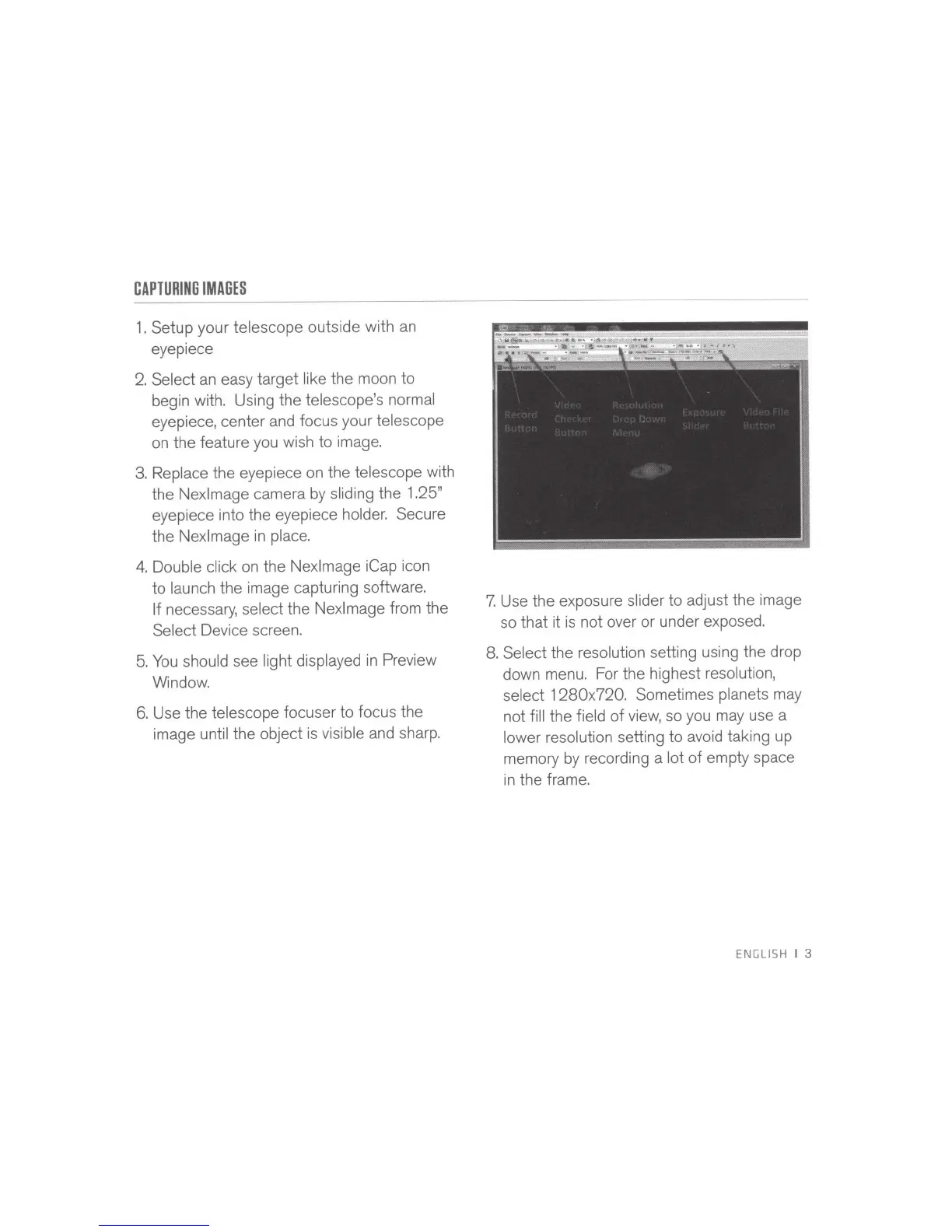
7.
Use the exposure slider to adjust the image
so that it
is
not over or under exposed.
8.
Select the resolution setting using the drop
down menu. For the highest resolution,
select
1280x720. Sometimes planets may
not fill the field
of
view, so you may use a
lower resolution setting to avoid taking up
memory by recording a lot
of
empty space
in
the frame.
ENGLISH
I
3



 To Next Page