4
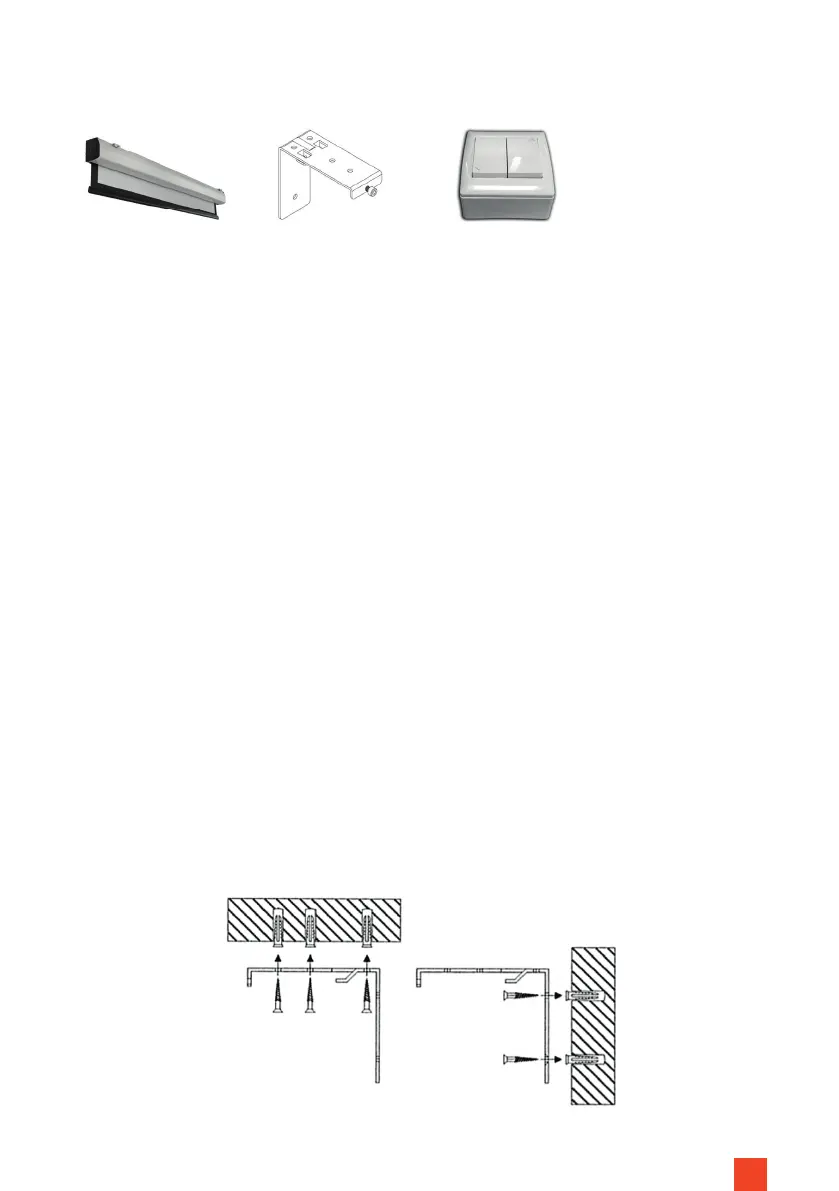
IN THE BOX
Install the screen in a position that is fully visible to all viewers! The optimum
installation height corresponds to the position of the viewers in the centre of
the screen with the screen fabric extended: eye level = lower third of the screen
surface.
The screen can be installed on the wall or ceiling. Obtain suitable mounting
material for your installation surface.
INSTALLATION NOTES
Measure the distance between the mounting brackets. The brackets should
each be installed evenly along the housing.
Transfer the measurement to the mounting surface. Ensure that the holes are
parallel. Pre-drill the holes at the markings in the appropriate diameter for the
mounting material, insert them and screw on the brackets.
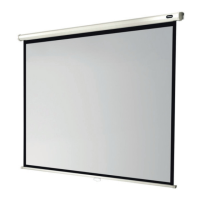
1x Screen Mounting bracket
Motor Expert (2x)
Motor Expert XL (4x)
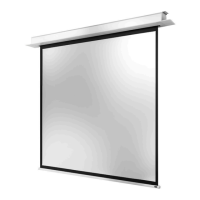
1 x Wall switch
MOUNTING ON THE CEILING / WALL
STEP 1



 To Next Page