EasyManua.ls Logo

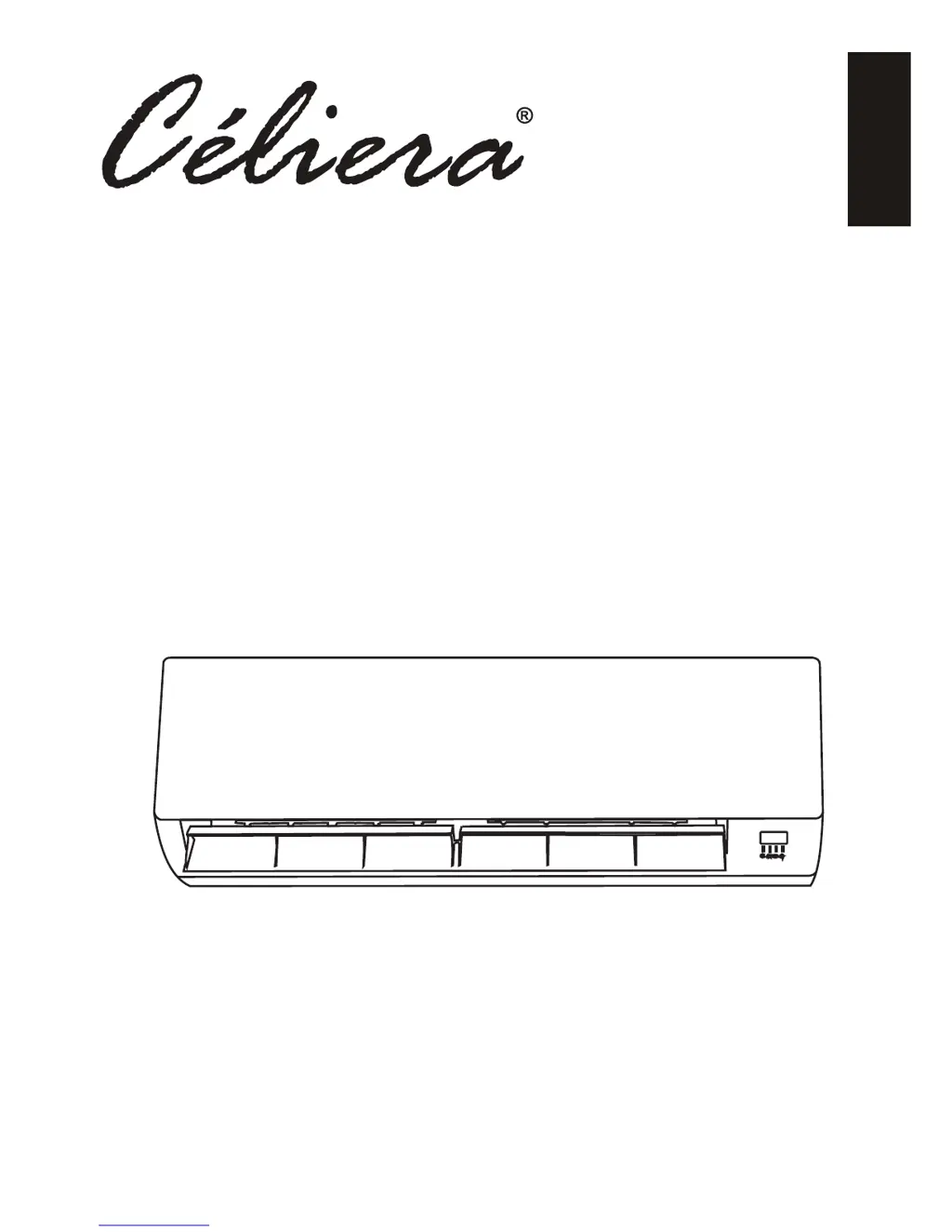
Celiera DUCTLESS MINI SPLIT AIR CONDITIONING SYSTEMS - User Manual

Celiera DUCTLESS MINI SPLIT AIR CONDITIONING SYSTEMS
27 pages
Print Icon
To Next Page IconTo Next Page
Loading...
DUCTLESS MINI SPLIT AIR CONDITIONING SYSTEMS
INSTRUCTION & INSTALLATION MANUAL
ENGLISH
© Céliera Corporation. All rights reserved. Unauthorized duplication, reproduction prohibited.

Questions and Answers

  • T
    travisellisAug 18, 2025
    What to do if my Celiera Air Conditioner has insufficient airflow?
    • H
      Hannah AdamsAug 19, 2025
      If your Celiera Air Conditioner has insufficient airflow, either hot or cold, consider the following: 1. Adjust the temperature setting to a more suitable level. 2. Clear any obstructions from the air conditioner's intakes and outlets. 3. Clean or replace the dirty air filter. 4. Increase the fan speed setting. 5. Minimize other heat sources in the room. 6. Check refrigerant levels and refill if necessary.
  • E
    Eric ValdezAug 21, 2025
    What to do if Celiera Air Conditioner does not respond to commands?
    • J
      Jacqueline BellAug 21, 2025
      If your Celiera Air Conditioner isn't responding to commands, here's what you can do: * Make sure the remote control is close enough to the indoor unit. * Replace the batteries in the remote control. * Remove any obstacles between the remote control and the signal receiver on the indoor unit.
  • S
    Shannon GallowayAug 26, 2025
    What to do if my Celiera DUCTLESS MINI SPLIT AIR CONDITIONING SYSTEMS Air Conditioner smells strange?
    • S
      Sharon SchultzAug 26, 2025
      If your Celiera Air Conditioner emits a strange odour, the air filter may be dirty. Try cleaning or replacing the air filter.
  • S
    Suzanne TuckerAug 28, 2025
    What to do immediately if my Celiera DUCTLESS MINI SPLIT AIR CONDITIONING SYSTEMS has problems?
    • K
      kristen59Aug 28, 2025
      In the event of strange noises during operation, a faulty electronic control board, faulty fuses or switches, spraying water or objects inside the appliance, overheated cables or plugs, or very strong smells coming from the appliance, switch off the air conditioner immediately and cut off the power supply. Then: * Investigate the source of strange noises. * Inspect and replace the electronic control board if faulty. * Replace faulty fuses or switches. * Remove any water or objects from inside the appliance. * Inspect and replace any overheated cables or plugs. * Investigate and address the source of strong smells.
  • M
    Marcus PageAug 31, 2025
    Why does my Celiera DUCTLESS MINI SPLIT AIR CONDITIONING SYSTEMS Air Conditioner display turn off?
    • A
      Amber SmithAug 31, 2025
      The display on your Celiera Air Conditioner might be off because the LIGHT function is active, so try deactivating it. Alternatively, there might be a power failure; in that case, check the power supply.
  • C
    christopher40Sep 4, 2025
    Why does my Celiera Air Conditioner make noise of running water?
    • Z
      zmorrisSep 4, 2025
      The noise of running water in your Celiera Air Conditioner is likely due to the back flow of liquid in the refrigerant circulation. Check the refrigerant circulation and address any backflow issues.
  • C
    christinaboydSep 7, 2025
    Why does a fine mist come from the air outlet of my Celiera Air Conditioner?
    • J
      Joseph StoneSep 7, 2025
      This occurs when the air in the room becomes very cold, for example in the COOLING or DEHUMIDIFYING/DRY modes.
  • R
    ryan49Sep 12, 2025
    Why can a strange noise be heard from my Celiera DUCTLESS MINI SPLIT AIR CONDITIONING SYSTEMS?
    • J
      Jonathan WilliamsSep 12, 2025
      This noise is made by the expansion or contraction of the front panel due to variations in temperature and does not indicate a problem.
  • N
    Nathaniel EatonNov 14, 2025
    Why is my Celiera DUCTLESS MINI SPLIT AIR CONDITIONING SYSTEMS not operating?
    • J
      Jacqueline McculloughNov 14, 2025
      Your Celiera Air Conditioner might not be operating due to several reasons: * A power failure or the plug may not be securely connected; check the power supply and connection. * The indoor/outdoor unit fan motor could be damaged; inspect and replace it if necessary. * A faulty compressor thermomagnetic circuit breaker might be the cause; test and replace it. * Faulty protective devices or fuses may need replacement. * Loose connections could be the issue; secure all connections and the plug. * The unit may have stopped to protect itself; allow it to reset. * Incorrect voltage could be the problem; check that the voltage supply is within range. * The TIMER-ON function may be active; deactivate it if not needed. * A damaged electronic control board might be the cause; insp...

Summary

Safety Rules and Recommendations for the Installer

Safety Rules and Recommendations for the User

Safety Rules and Prohibitions

Lists safety rules and prohibited actions for users to prevent hazards.

Names of the Parts

Indoor Unit Parts

Lists and illustrates the components of the indoor unit.

Outdoor Unit Parts

Lists and illustrates the components of the outdoor unit.

Indoor Unit Display

Emergency Function & Auto-Restart Function

Auto-Restart Function

Explains how the auto-restart function works and how to manage it.

Emergency Function

Details how to operate the unit without the remote control.

Remote Control

Remote Control Buttons and Operation

Explains the function of various buttons on the remote control for system operation.

Remote Control Display Guide to LCD Symbols

Remote Control Programming

Battery Installation and DIP Switches

Instructions for inserting batteries and configuring DIP switches on the remote.

Remote Control Usage

Guidance on how to properly use the remote control for system operation.

Modes of Operation

Air Flow Control and Basic Modes

Covers swing control, cooling, and heating modes for operation.

Advanced Operational Modes

Details on timer, fan, dry, feel, and sleep modes for enhanced comfort and control.

Protection

Protection Conditions for T1 Models

Lists operating limits for T1 climate condition models to prevent damage.

Protection Conditions for T3 Models

Lists operating limits for T3 (Tropical) climate condition models.

Installation Manual

Selecting the Installation Place

Guidelines for choosing installation locations for indoor and outdoor units.

Indoor Unit Installation

Covers mounting plate, piping hole, and electrical/piping connections for the indoor unit.

Indoor Unit Piping and Drainage

Details on connecting refrigerant pipes and setting up indoor unit drainage.

Outdoor Unit Installation

Instructions for mounting, securing, and draining the outdoor unit.

Outdoor Unit Connections and Bleeding

Details on electrical, pipe connections, and refrigerant circuit bleeding for the outdoor unit.

Final Installation Stages and Testing

Covers final assembly steps and operational tests for both units.

Information for Installers

Includes model specs, tightening torques, and cable information.

Wiring Diagrams

Electrical wiring diagrams for different air conditioner models.

Cable Wire Specifications

Details on the specifications for power supply and connection cables.

Maintenance

Indoor Unit Filter and Heat Exchanger Maintenance

Instructions for cleaning indoor unit filters and the heat exchanger.

End of Season Maintenance and Battery Replacement

Guidance for end-of-season care and replacing remote control batteries.

Troubleshooting

Malfunctions and Possible Causes

Lists common issues and their potential causes for troubleshooting.

Error Signals on Display

Explains error codes displayed on the indoor unit and their meanings.

Celiera DUCTLESS MINI SPLIT AIR CONDITIONING SYSTEMS Specifications

General IconGeneral
TypeDuctless Mini Split
RefrigerantR410A
Cooling Capacity9, 000 - 36, 000 BTU/h
Heating Capacity9, 000 - 36, 000 BTU/h
HSPF RatingUp to 10
Operating Temperature (Heating)5°F - 75°F
Power Supply208/230V, 60Hz
Warranty5 years

Related product manuals