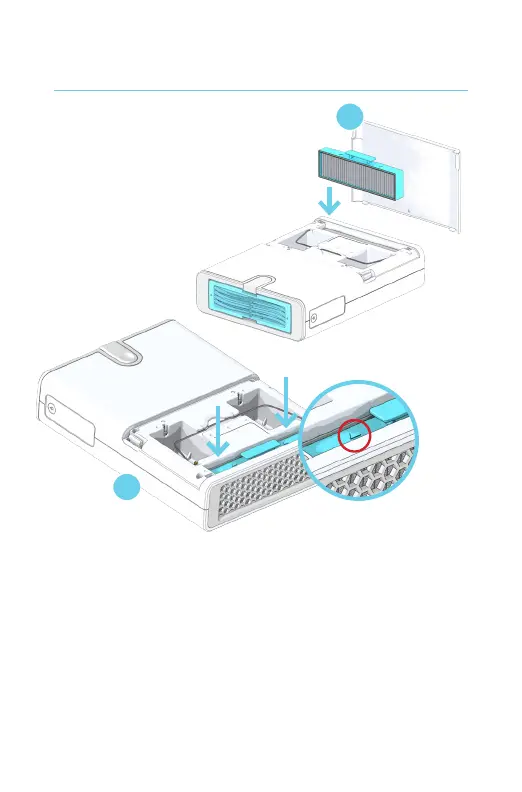
1. Turn the G200 Core over so the Celios logo is
facing down. Remove the back panel at the
bottom of the unit.
2. Slide the Pre Filter into place with the arrows
pointing toward the top of the Core. Make sure
to push the Pre Filter completely into the Core
so that the back panel can fully close.
Installing the Pre Filter
1
2



 To Next Page