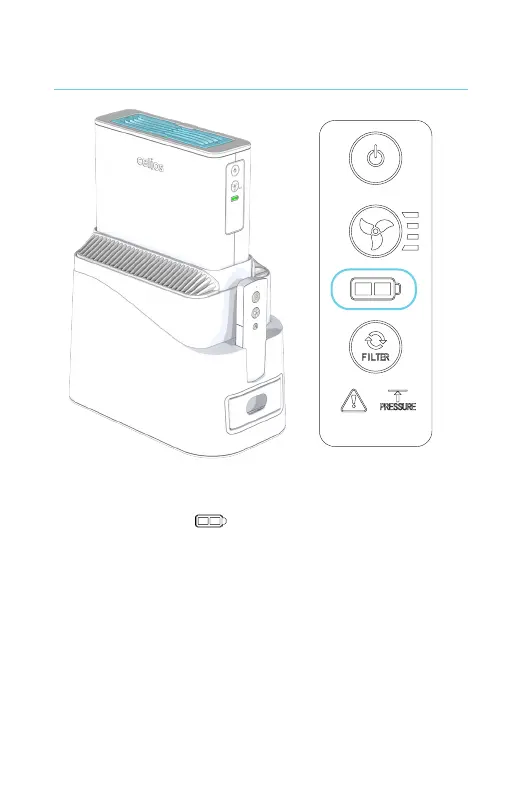
1. After turning on the G200 Core, the battery
life indicator on the control panel shows
that the batteries are charging. When the
batteries are fully charged or when there are
no batteries in the G200 Core, the battery life
indicator light will turn off.
2. You can also charge the batteries outside of
the Main Stand by plugging the Power Adapter
directly into the G200 Core.
Charging the batteries



 To Next Page