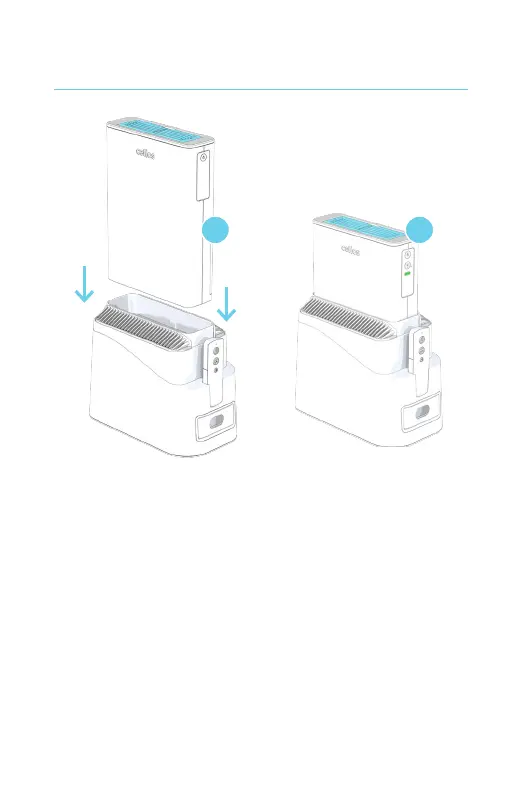
1. Plug the Power Adapter into the Main Stand and
then to a powered electrical outlet.
2. Slide the G200 Core into the Main Stand. The
control panel on the Core will be facing to the
same side as the Remote.
3. When you correctly dock the G200 Core in the
Main Stand, the unit will beep (whether you
have AC power or not). If the G200 Core is not
properly installed, it will not beep and will not sit
properly within the Main Stand.
Dock the G200 Core in the Main Stand
2 3



 To Next Page