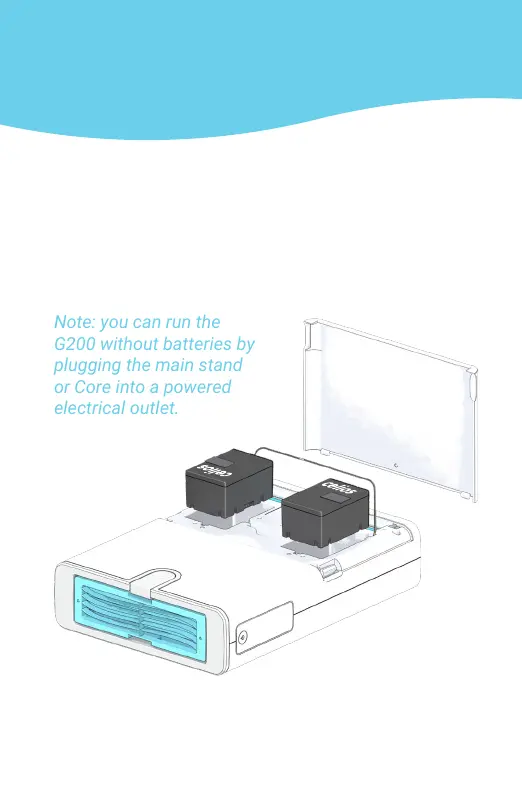
STEP 2: INSTALLING THE LITHIUM
ION SMART BATTERIES
The G200 runs on either outlet power or Lithium
Ion Smart Batteries, which are included with your
G200 purchase. These batteries are hot swappable,
which means you can remove either of them
without shutting down the G200 or interrupting air
purication.
Note: you can run the
G200 without batteries by
plugging the main stand
or Core into a powered
electrical outlet.



 To Next Page