For question, please contact us at support@cellebrite.com
For video tutorials, please visit: youtube.com/CellebriteUFED
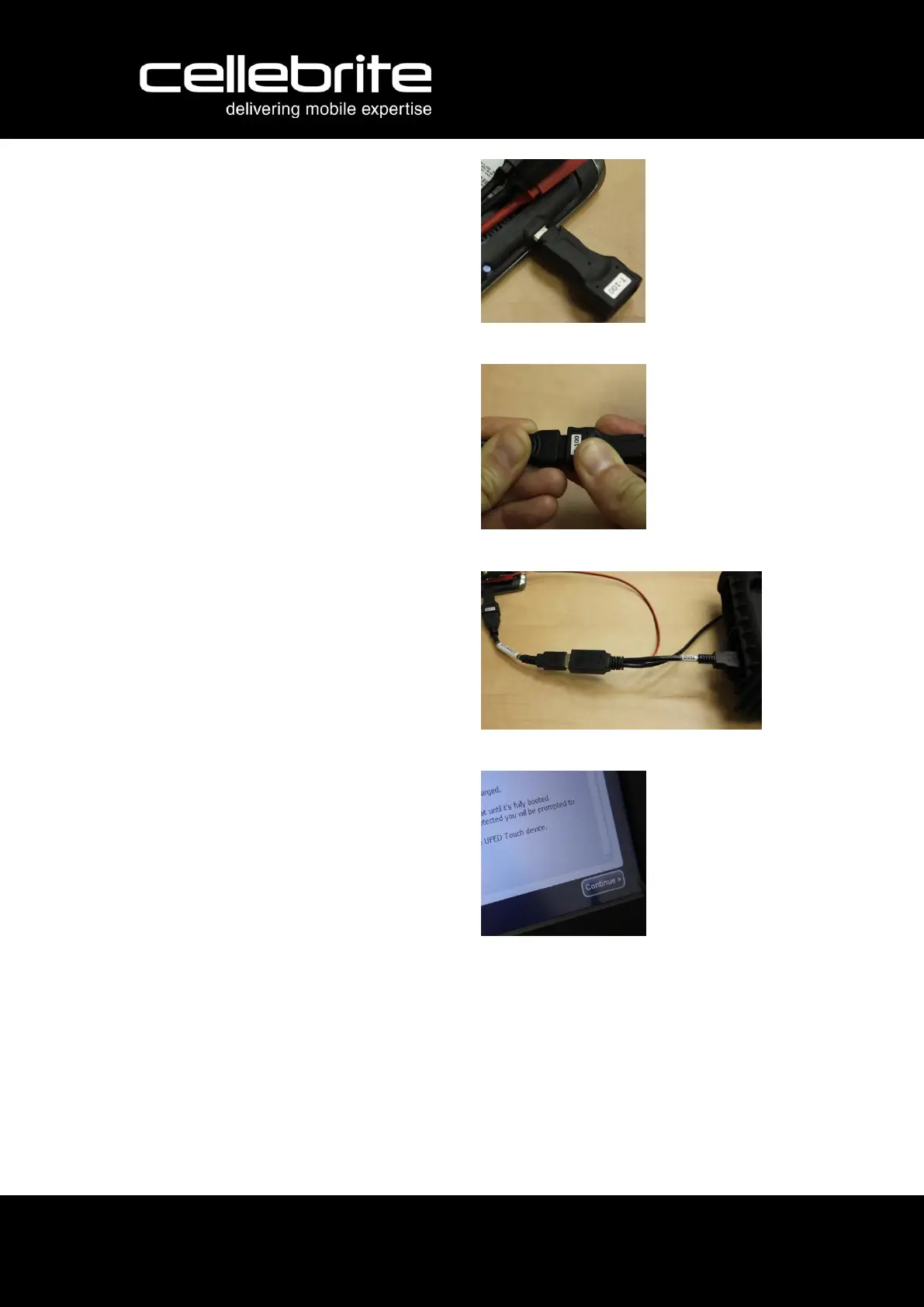
8. Connect the relevant cable tip to
the phone.
9. Connect the tip to an Adapter USB
cable.
10. Connect the adapter cable to the
female USB connector of the
Phone Power-up Cable.
You will hear a beeping sound
from UFED TOUCH or UFED unit,
indicating that the mobile device
has been detected.
11. Go back to the UFED TOUCH's or
UFED's screen, and click OK to
continue the extraction process.



 To Previous Page