BIO X6 User Manual v. 1.0 111
Grid settings
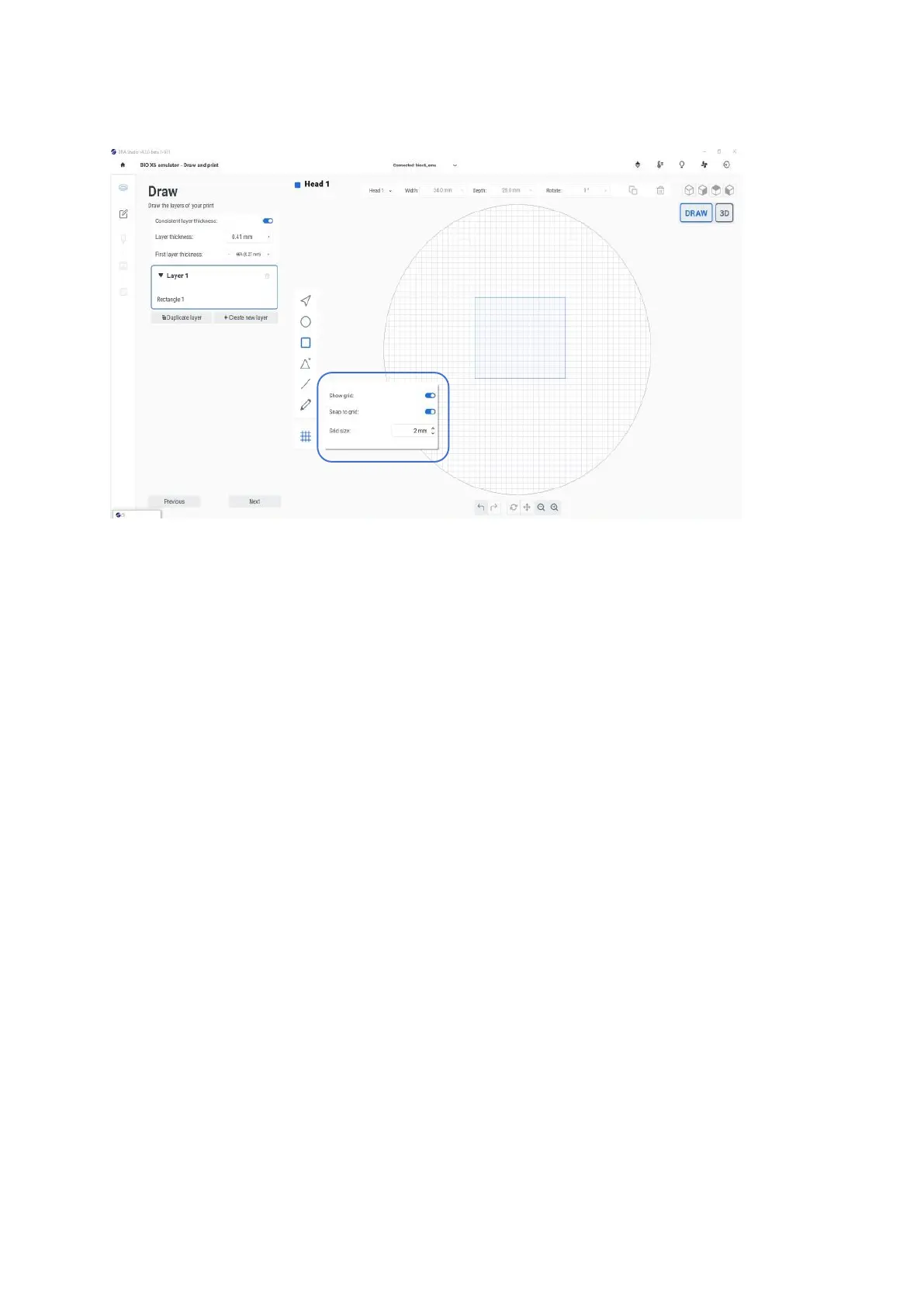
Figure 83 Grid option in the Draw tool bar
Show grid: Enable the toggle button to display the grid on the preview surface.
Snap to grid: Enable the toggle button to place your structure in the grid. This helps you
improve accuracy when free drawing a shape. Note: Enable the button before you draw to
make your structure snap to the grid. Structures already drawn will not be affected.
Grid size: Available settings for grid size are 120 mm. Use the arrows to change the grid
size.


 To Next Page