BIO X6 User Manual v. 1.0 116
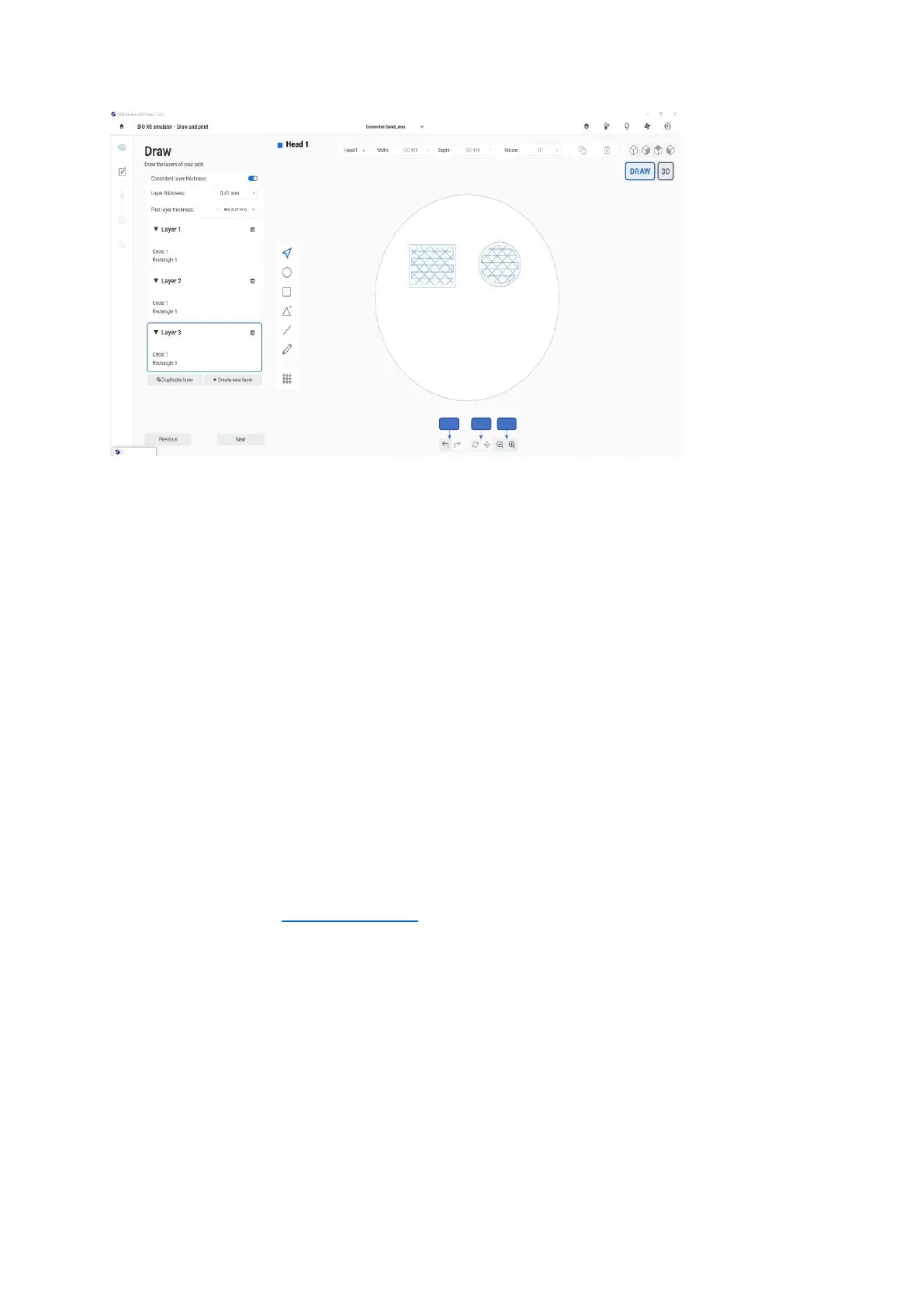
Figure 89 Actions bar in Draw & Print
1. Undo and Redo: Tap the left or right arrows to undo or redo your changes. These
options are only available in the Draw view mode.
2. Rotate and Pan: Tap the Rotate icon and move the pointer on the surface in any
direction to rotate the surface view. Tap the Pan icon to drag the surface to left, right,
up, and down. These options are only available in the 3D view mode.
3. Zoom in and Zoom out: Tap these icons zoom in or out. These options are available
in both 3D and Draw view mode.
6.2.6 Gcode generation
The application will generate the Gcode for the shape that you draw when you tap Next in
the Draw screen and continue.
Follow the steps from Printhead settings to continue with bioprinting process
Tap the Export gcode button in the summary page to export Gcode that is generated for
your shape and load the exported Gcode file for your next print.



 To Next Page