9
Menu Operation
1. Press VOL+/- to adjust the volume.
2. If you want to switch the sound OFF, press the MUTE
3. You can cancel this function by pressing MUTE or VOL+ button.
Basic TV operation
First time installation
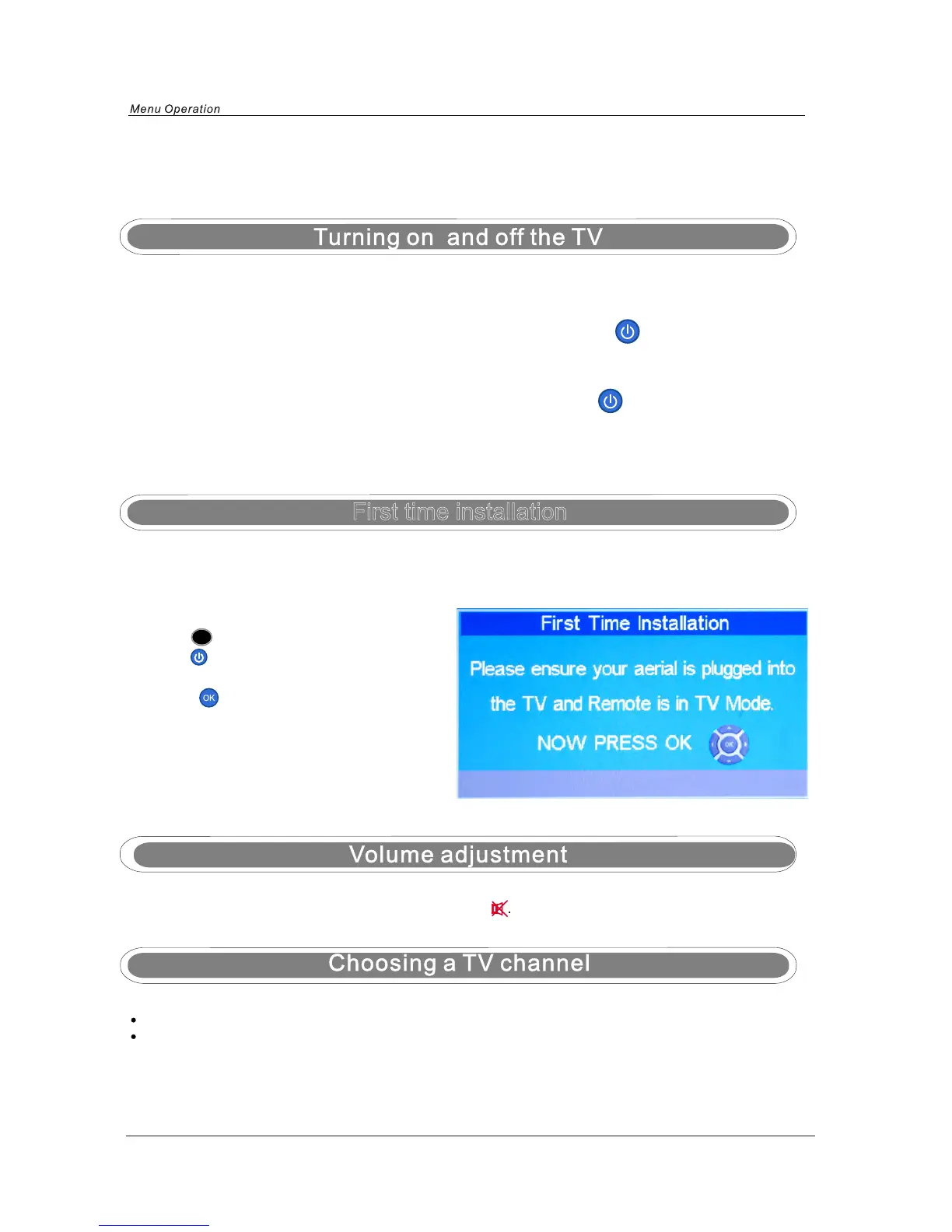
NOTE: When you initially use the TV, you will see the “First Time Installation” menu as below:
TURN ON LCD TV
TURN OFF LCD TV
1.Connect power cable to mains supply and turn on the power by using the “ Switch” on the
left side of the set. The standby indicator on the front of the TV will light up in red.
2. Press the
POWER button on the right hand side of the TV or the button on the remote
control to turn on the TV, the indicator will light green.
Using the CH+/- on the front panel or on the remote control.
Press CH+ to increase channel number
Press CH- to decrease channel number.
1. Press the Power button on the right hand side of the TV or the button on the remote
control to turn the TV off into standby mode, the indicator will light red.
2. To turn off the TV completely, set the SWITCH on the left side of the TV to the position 0, the
indicator light will extinguish.
Ensure that the aerial is plugged in to the TV,
Make sure your Remote is in TV mode (by
pressing button), switch on the TV by
pressing . You will see the first time
installation menu.
Press the button on the remote control to
start the tuning procedure. This process will
find all available ATV and DTV channels and
store them.
By pressing the Quick Start button the first
time installation can be recalled at any time.
TV


 To Next Page