15
Manual Tuning
Channel
Start Search
Service Found
Signal Quality
Signal Strength
Frequency
32
Begin
0
0%
0%
474.00MHz
Select
Enter
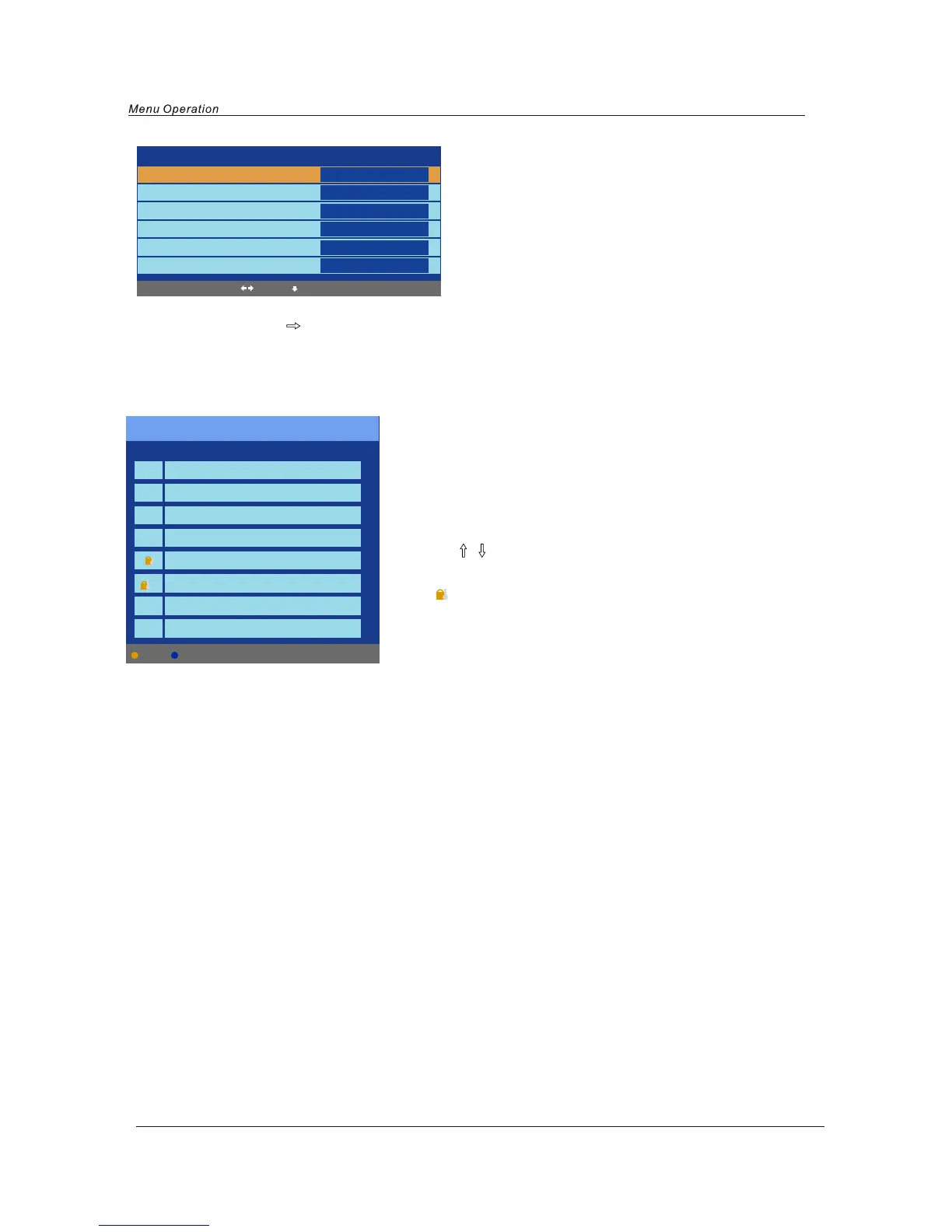
Channel: Select the current channel.
Start Search: press
button to begin searching, and it will display “Search”, after a few second,
it will display “Finished”.
Manual Tuning in DTV mode
Common interface(For DTV mode)
Please contact your "Pay per View" provider e.g. Setanta who can supply a viewing card and cam unit and
instructions for their use.
Program Edit
Channel list
Flags
X
X
X
X
X
1.BBC1
2.BBC2
3.ITV1
4.CHANNEL 4
5.FIVE
6. ITV2
7.BBC3
Delete Lock
Delete: Delete the channel, the channel will be deleted.
Lock: Lock the channel, you have to enter the code(PIN code in
Child Lock menu--Function menu) to view the channel.
Use
/ button to select the channel, and press the
blue button on the remote control to set, and there will be a
“ ” on the channel, press the blue button again to cancel.
Such as channel 5 and 6.



 To Next Page