+ 23
* When gesture requires more than one nger, make sure to keep 1/2 inch distance between each nger.
Gesture number 4 and 5 are supported by compatible Windows and Mac OS devices.
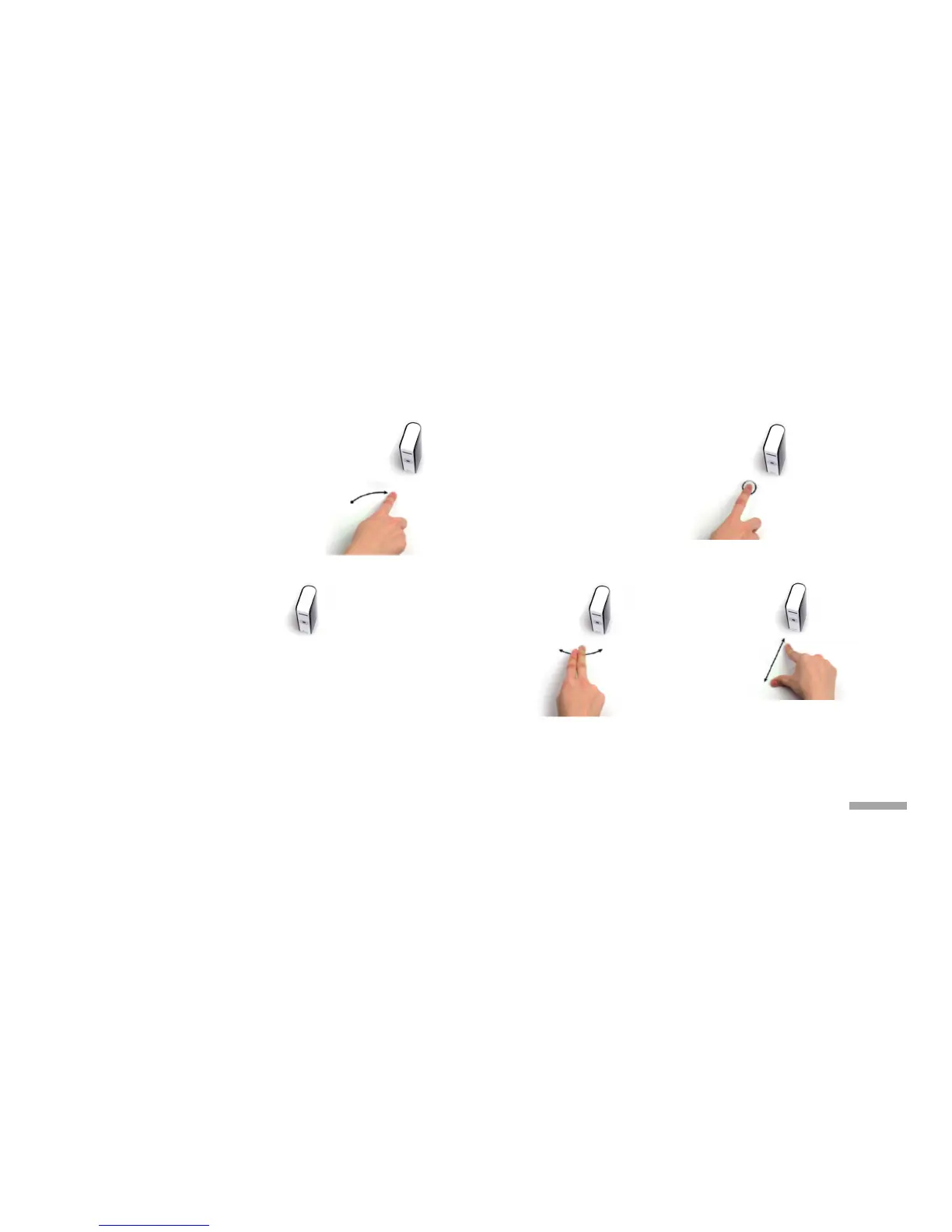
1. Control the cursor
Move your nger freely in
any direction within
operational area.
3. Click and Drag
With one nger on surface,
tap and hold with
adjacent (left)
nger and drag.
Scroll
Tap and hold with two ngers
and move up and down.
4. Forward and Back
Swipe left for "back".
Swipe right for "forward".
5. Zoom In/Out
Pinch in and
pinch out.
2. Right-click
With one nger on surface,
tap with adjacent
(right) nger.



 To Next Page