EasyManua.ls Logo

Centaur MAC20 - User Manual

Centaur MAC20
16 pages
Print Icon
To Next Page IconTo Next Page
Loading...
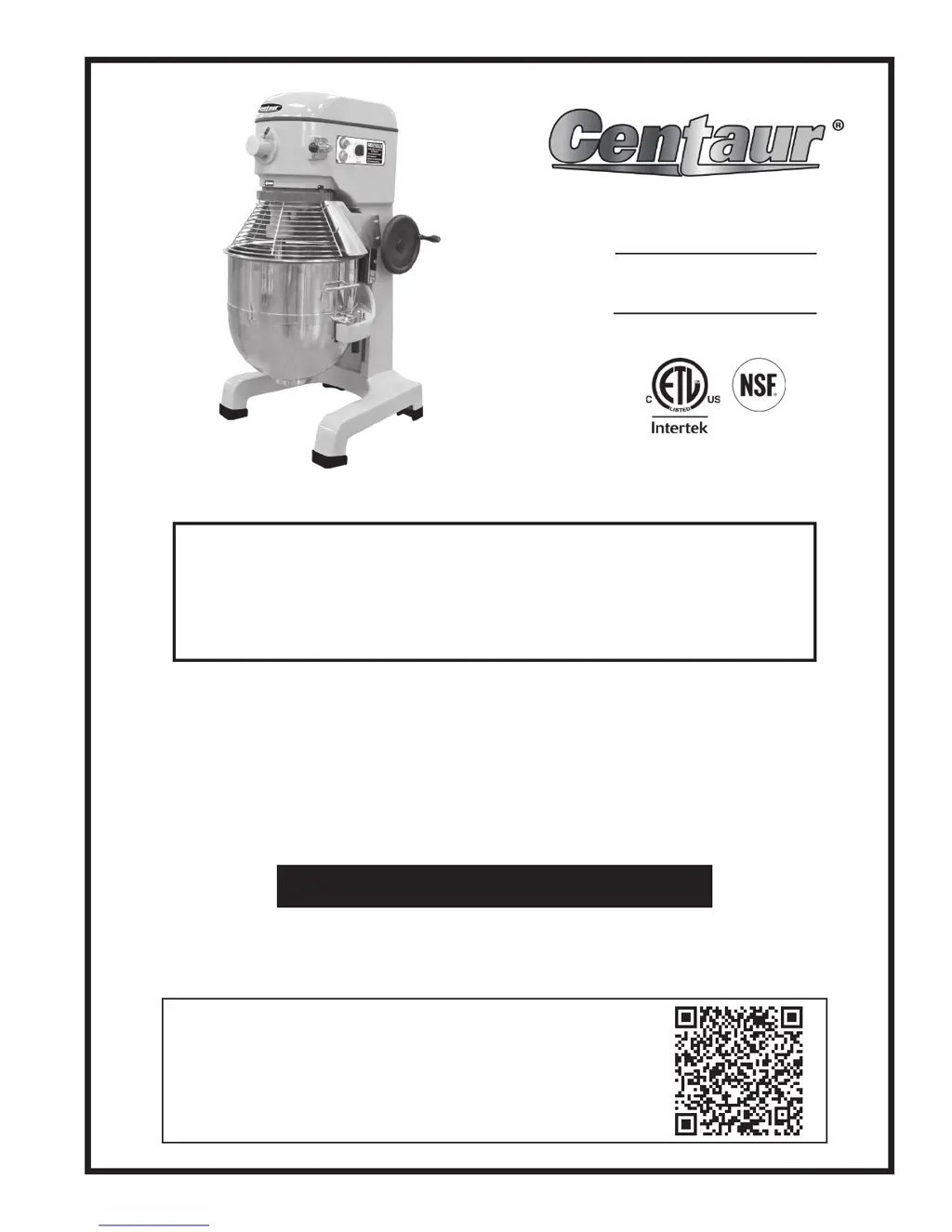
Instruction Manual for Centaur Mixers
MAC20, MAC30 & MAC60
Model MAC60
Model #:
Serial #:
This manual contains important safety instructions which
must be strictly followed when using this equipment.
- IMPORTANT SAFETY NOTICE -
WARRANTY REGISTRATION
SCAN THE QR CODE WITH YOUR MOBILE DEVICE OR GO TO
WWW.GLOBESLICERS.COM TO FILL OUT AND SUBMIT YOUR
WARRANTY REGISTRATION.
http://www.globeslicers.com/site/warranty.asp

Questions and Answers

  • A
    Amber EspinozaAug 26, 2025
    Why does my Centaur Mixer stop during mixing?
    • J
      John BarreraAug 26, 2025
      Your Centaur Mixer might stop during mixing due to a couple of reasons. One potential cause is that the internal overload has tripped. For MAC20 & MAC30 models: press the stop button then the reset button. For MAC60 models: wait two minutes, then press the stop button and then the start button. (If overload continues to trip, reduce batch size and/or adjust recipe!). Another possible reason is a damaged or broken transmission belt, which would require a technician to replace it.
  • R
    Richard SmithNov 9, 2025
    What to do if my Centaur MAC20 Mixer will not run?
    • R
      Rose BurgessNov 9, 2025
      If your Centaur Mixer isn't running, several factors could be at play. First, ensure the bowl guard is fully closed by rotating it to the right. Next, check that the bowl is raised to its highest position. Verify the timer is engaged by turning it at least five minutes past “0” and then back to the desired time, or set it to the green “on” position. Confirm all power connections are secure and plugged into a live socket, avoiding extension cords, and test the socket with another item. Check your building's circuit breaker. If the internal overload has tripped, for MAC20 & MAC30 models, press the stop button then the reset button; for MAC60 models, wait two minutes, then press the stop button and then the start button. If it continues, reduce batch size and/or adjust the recipe. Lastly, ens...

Centaur MAC20 Specifications

General IconGeneral
TypeAnalog
Number of Channels20
EQYes
EQ Bands3-band
Output PowerNot applicable
Phantom PowerYes
Inputs - Other2 x RCA (Tape)