2
IMPORTANT SAFETY INSTRUCTIONS
1. All the safety and operating instructions should be read before
the product is operated.
2.
The safety and operating instructions should be retained for
future reference.
3.
All warnings on the appliance and in the operating instructions
should be adhered to.
4.
All operating and use of instructions should be followed.
5. Do not use this appliance near water.
6.
Clean only with a dry cloth.
7. Do not block any ventilation opening. Install in accordance with
the
manufacturer’s instructions.
8. Do not install near any heat sources such as radiators, heat reg-
isters,
stoves, or other appliances (including amplifiers) that pro-
duce heat.
9. Do not defeat the safety purpose of the polarized or grounding-
type
plug. A polarized type plug has two blades with one wider
tha
n the other. A grounding type plug has two blades and a third
gr
ounding prong. The wide blade or the third prong are provided
for your safety. If the provided plug does not fit into your outlet,
co
nsult an electrician for replacement of the obsolete outlet.
10. Protect the power cord from being walked on or pinched
particularly at plugs, convenience receptacles, and the point
where they exit from the apparatus.
11.Only use attachment/accessories specified by the
manufacturer.
12. Unplug this apparatus during lighting storms or when unused
for long periods of time.
13. Refer all servicing to qualified service personal. Servicing is
re
quired when the apparatus has been damaged in any way, such
as
power-supply cord or plug is damaged, liquid has been
sp
illed or objects have fallen into the apparatus, the apparatus has
been exposed to rain or moisture, does not operate normally, or as
been dropped.
14. This appliance shall not be exposed to dripping or splashing
water and that no object filled with liquids such as vases shall be
placed on the apparatus.
PREPARATION
CONNECTING THE SPEAKERS
1. Pull out the tabs of the speaker terminals on the back of the
mai
n unit.
2. Insert the speaker lead wires into the speaker terminal.
Note: Match the end of the speaker wire to the color-coded
connector.
3. Push back the tabs to clip the lead wires.
INSTALLING THE BATTERIES IN THE REMOTE
C
ONTROL
The remote control requires two AA batteries (not supplied) for
pow
er.
Ca
utions:
• Use only fresh batteries of the required size.
• Do not mix old and new batteries, different types of batteries,
(s
tandard, alkaline, or rechargeable), or rechargeable
batteries
of different capacities.
1. Press and pull out the battery compartment.
2. Place the batteries in the compartment as indicated by the
pola
rity (+ and-) marked inside.
3. Replace the cover.
The maximum operational distance between the remote control
an
d the sensor should be 8 metres. If the remote control only
op
erates at a much shorter distance, replace the batteries.
INSTALLING THE BACK-UP BATTERY
When you install the backup battery, the player can keep the
memory of clock setting and radio channel even after you power
off the player. You will need to replace the battery about every
6 months. Note: To save the battery, always connect to AC power
whe
n available.
1. Rotate the lock on battery compartment to OPEN and pull out
the
battery compartment cover.
2. Attached 9V battery (sold separately) to the terminal and
place the battery in the battery compartment.
3. Replace the battery cover and rotate the lock to CLOSE.
CONNECTING THE SYSTEM TO AC POWER
Insert the AC power plug into a standard AC outlet. The time on
the
display flashes.
Press POWER to turn on the player. The blue LCD backlight turns
on
.
USING HEADPHONES
You can connect a pair of headphones with a 3.5mm plug to
PHONE
jack for private listening.
Note: Reduce the volume to prevent injury to your ears, before
you
use the headphones.
CD PLAYER OPERATION
After you turn on the player, the tuner mode appears on the
display
for the first time, otherwise, the player shows the mode last
used before you powered off the last time.
OPENING OR CLOSING THE
OPERATION PANEL
Press EJECT to open the operation panel or rotate the panel
upw
ard and press it until it locks to close the panel.
USING THE MUTE FUNCTION
You can press MUTE on the remote control to silence the CD
player. Press MUTE again or press - VOL+ to resume.
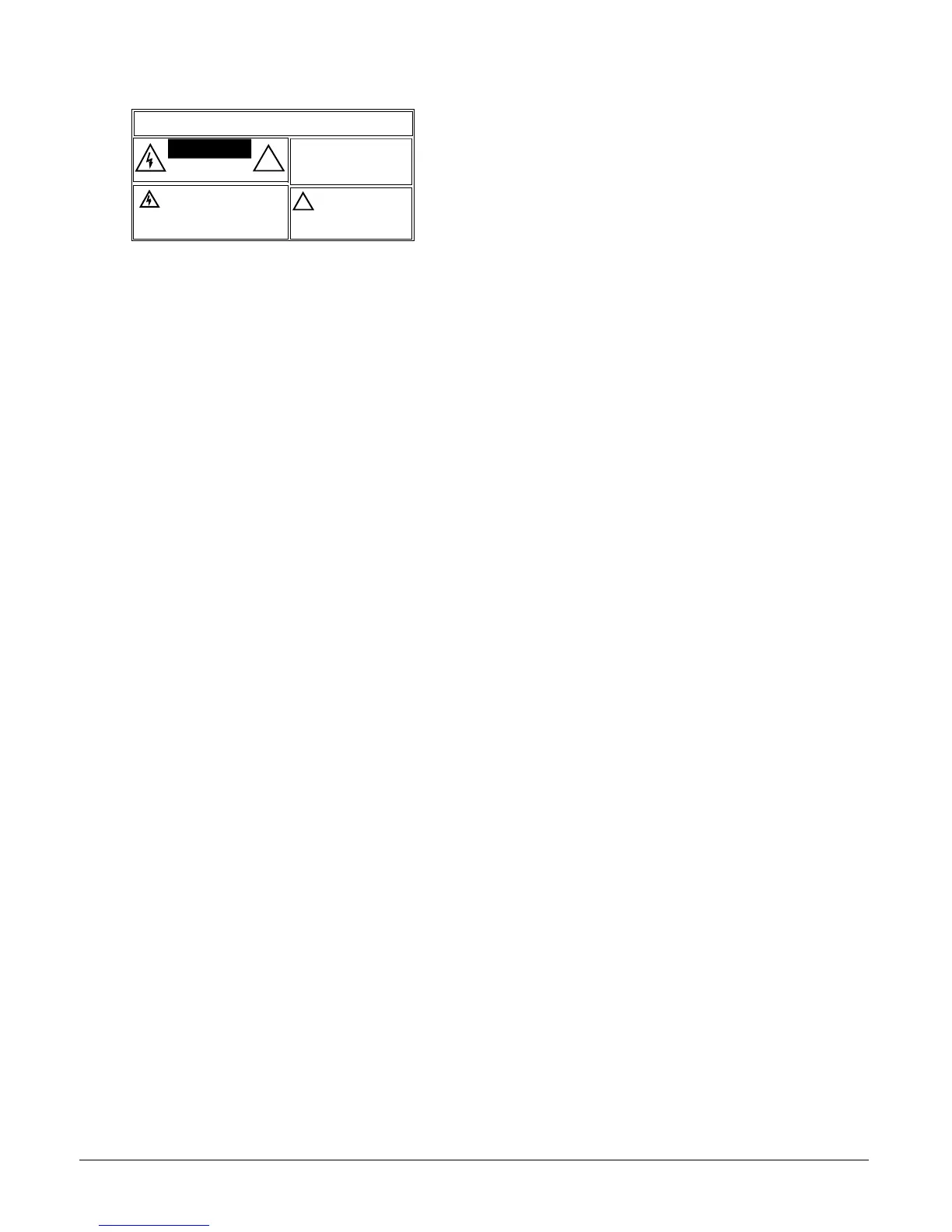
The lightning symbol is intended to alert you to
the presence of uninsulated dangerous voltage
wi
thin this product’s enclosure that might be of
sufficient magnitude to constitute a risk of electric
shock. Do not open the product’s case.
The exclamation symbol is intended
to inform you that important operating
and maintenance instructions are
included in the literature
accompanying this product.
!
WARNING: To reduce the risk of fire or shock hazard, do not expose this product to rain or
moisture.
..CAUTION..
CAUTION:
TO REDUCE THE RISK OF
ELECTRIC SHOCK, DO NOT REMOVE
CO
VER OR BACK. NO USER-
SERVICEABLE PARTS INSIDE. REFER
SERVICING TO QUALIFIED PERSONNEL.
RI
SK OF ELECTRIC SHOCK
DO NOT OPEN
!



 To Next Page
 Loading...