4.4 Unlocks the screen while hibernating
When the screen is locked, press the power button quickly to light up the screen. The screen lock
will be unlocked and swipe up to unlock the screen.
5.Troubleshooting
5.1 Tablets take a long time to start up for the first time
When you first start up a tablet, you need to install pre-installed apps, which takes about two to
three minutes, and then you start up much faster.
5.2 The tablet cannot connect to Wi-Fi
5.2.1 Ensures that a wireless router device functions properly.
5.2.2 Make sure your network user name and password are correct.
5.3 Tablet is hot
It's normal for the tablet to heat up slightly when multiple apps are in use at the same time, or
when the screen brightness is set to maximum brightness, or when the battery is low.
5.4 Unable to log in or register an email address
5.4.1 To ensure that the network is connected and available.
5.4.2 Ensures your email is configured correctly.
5.4.3 Ensure that the system time is consistent with the local time.
5.5 Page cannot open
5.5.1 Make sure the tablet's network is within effective distance.
5.5.2 Please restart the router and try again.
5.6 Tablet running slow
This is normal. Close some applications that are not needed for advanced task management, or
uninstall some third-party applications to free up more system resources.
6. Technical Information
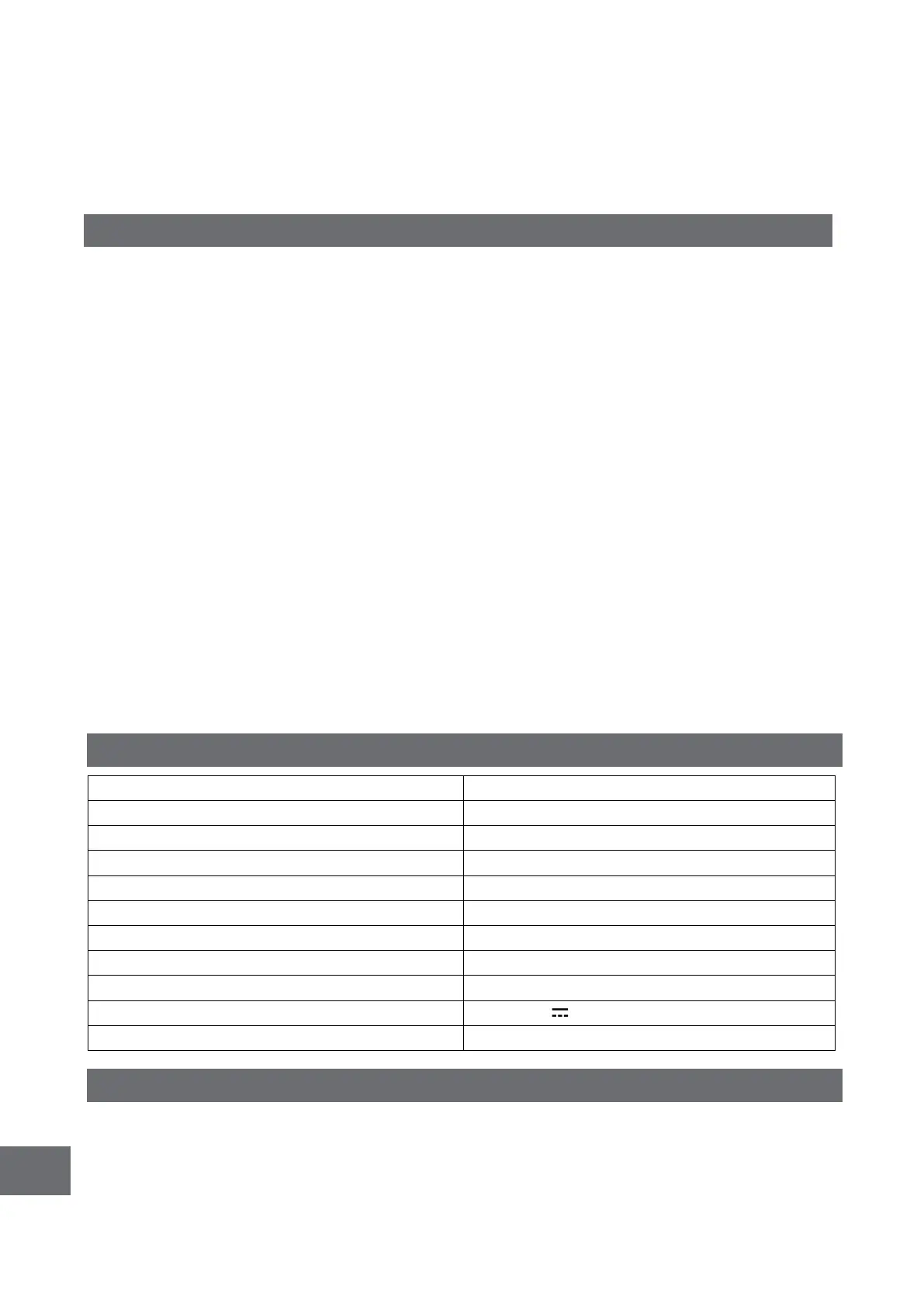
11.97Inch 1200×2000 IPS 60Hz
7. Pack Contents
Tablet × 1PC
Power Adapter × 1PC
Type-C USB Cable × 1PC



 To Next Page