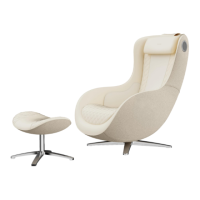
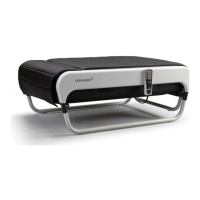
CGMEMCG-2301
1. Press the Manual - Full body button.
2. Press again at the desired position to fix the massage ball range.
Manual Mode: Full Body/ Fix Range
1. Press the Partial movement/fix range button and select the Partial
movement mode.
2. Timer remains when switching between other modes of operation
(Kneading / Tapping / Combined) within manual mode operation.
Manual Mode: Partial Movement/ Fix Range
Power - Choose from [full body/Partial Movement/Heating/Kneading/tapping
/Combined Massage/air massage/abdominal massage] - Start.
Manual Mode
Massage Location
1. At the end of the massage, the current reclining angle is maintained.
2. Press the Automatic mode or Manual mode button to select the desired mode.
3. Press the Start/Pause button to start the massage.
4. If nothing is done at 1, it enters sleep mode.
5. Press any button to activate, then press the Auto or Manual mode button
to select the desired mode.
6. Press the Start/Pause button to start the massage.
Manual Mode: Restart to another mode after completion
※ If you select [Heating/Air Massage/Abdominal Massage] after the manual
mode massage starts, the function is added to the massage, and when
the manual mode ends, all are automatically shut down.
1. Press and hold the power button during the massage to get a reclining notice.
2. Press the Start/Pause button to return to the original angle and off the power.
Power off during Manual Massage
1. At the end of the massage, the current reclining angle is maintained.
2. When the reclining notice appears, press the Start / Pause button to
move to the original angle and exit.
Complete Manual Mode
3. Press one more time at the desired position to fix the massage ball.



 To Next Page