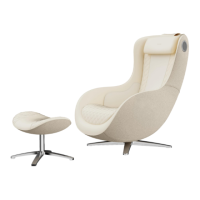
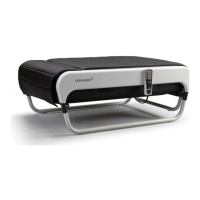
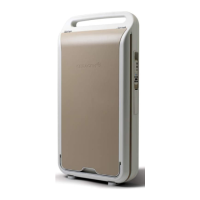
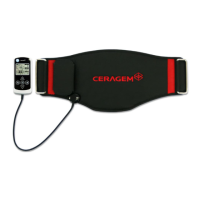
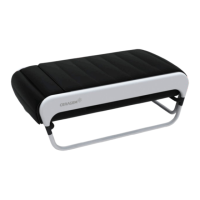
CGMEMCG-2301
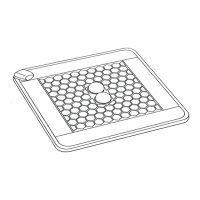
1. Press the power & Auto mode button of the abdominal pottery to operate by
selecting the mode (1/2).
2. Press OFF to stop during the abdominal massage.
Power & Auto Mode
Abdominal Vibration
1. Press the button on the abdominal heating control button to select
strength (strong/normal/light).
2. Press OFF to stop during the abdominal vibration.
Abdominal Heating
1. Press the button on the abdominal massage intensity control button
to select strength (light / strong).
Abdominal Intensity
※ When the abdominal massage function is turned on, the icon displaying the
top status lights up.
※ If select multiple or consecutive other functions after the selected function
starts, the function is added, and when the first selected function is terminated,
all are automatically terminated.
1. Bluetooth ON: With OFF, press and hold the top button on the right side to
turn on Bluetooth.
2. Bluetooth OFF: With ON, press and hold the top button on the right side to
turn off Bluetooth.
Bluetooth ON/OFF
1. Adjust the volume by pressing the + or - button located on the right side.
2. Press and hold the - button on the right side to mute.
Volume Control
Bluetooth
※ How to connect to Bluetooth: Turn on Bluetooth in your phone settings and
locate and connect the device in the list.
※ Initial setting value.
I D : CGM EMCG-2301
PW : 1234



 To Next Page