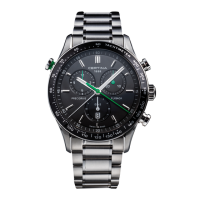
PRECIDRIVE Flyback quartz chronograph
WWW.CERTINA.COMWWW.CERTINA.COM
358_EN / 07.162/6 3/6 358_EN / 07.16
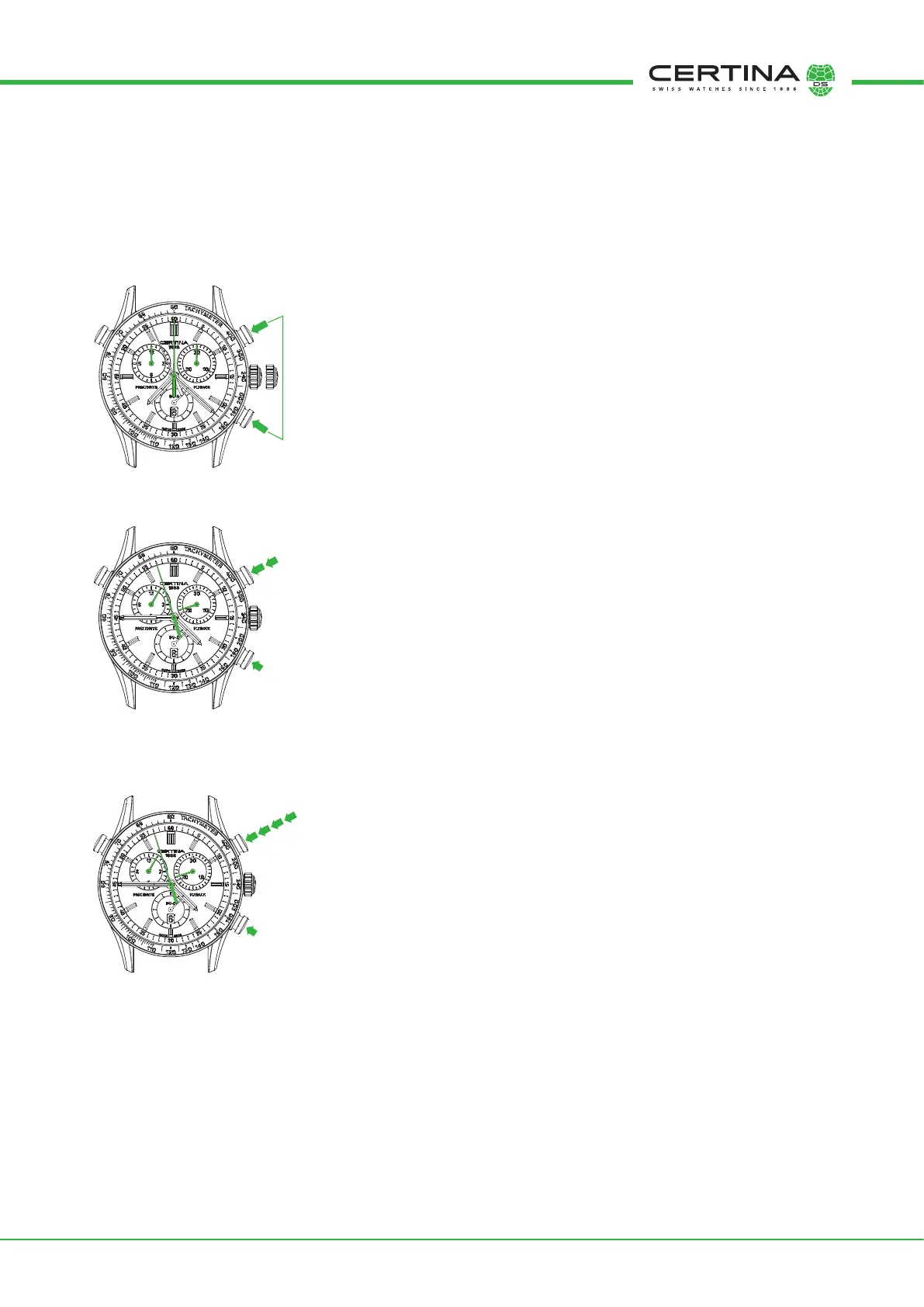
Hand activation order:
1. 60-second counter hand (split second) (8)
2. 60-second counter hand (7)
3. 30-minute counter hand (6)
4. 12-hour counter hand (5)
A Select the counter to reset (the selected hand moves)
B Correct the hand position:
Short press: step-by-step
Long press: rapid continuous rotation
Resetting the chronograph counters
If necessary, the chronograph counters (5, 6, 7 and 8) must be reset before starting timing. Proceed as follows: pull the crown (9) out to position II; the
counter hands (5, 6, 7 and 8) will complete a rotation of the dial (entering setting mode). Every time pusher (A) is pressed, a hand will complete a rotation
of the dial (active hand), and can be returned to its start point by repeatedly pressing pusher (B).
Simple timing
The "simple timing" function enables you to measure individual events.
A START
A STOP
Time readout (as per Fig. 3)
- 1 hour
- 21 minutes
- 57 seconds
B Reset
NB: Before each timing operation, the chronograph hands must be at their start points.
If necessary, refer to the RESETTING THE CHRONOGRAPH COUNTERS paragraph.
ADD function
The ADD function enables you to measure consecutive events without having to reset in between.
Each time is added to the previous total (Fig. 4).
A START
A STOP Readout
A RESTART
A STOP Readout
B Reset counters
III
A
B
C
A
B
C
➊
➋
➌
I
II
A
B
C
➊
➎
➍
➌
➋
Fig. 2
Fig. 3
Fig. 4


 To Next Page