Need help?
Do you have a question about the Chainway C66 and is the answer not in the manual?
Overview of the C66 as an industrial-grade smart handheld terminal.
Important safety and handling guidelines for the device's battery.
Details on the charger's output voltage and current for device charging.
Key notes regarding battery safety, USB connections, and operating temperature.
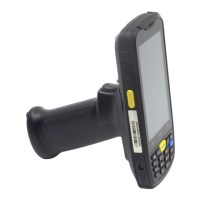
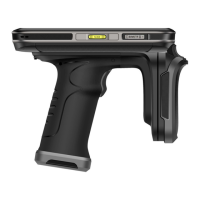
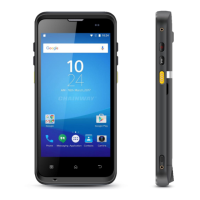
Visual guide to the front and back appearances of the C66 terminal.
Instructions for inserting SIM and Micro SD cards into the device.
Guidelines for charging the device battery using the specified adapter.
Description of the C66's side buttons and screen layout.
Steps to input phone numbers and initiate calls.
Instructions for opening, adding, and managing contact lists.
Procedures for composing and sending SMS and MMS messages.
Guide to performing 2D barcode scans and adjusting parameters.
Instructions for using the NFC function to read and write tag data.
How to use the PING tool to check network connectivity and parameters.
Steps for pairing Bluetooth devices and initiating print jobs.
How to open and use the GPS test function for location information.
Guide to configuring system, alarm, and media volume levels.
Instructions for setting up and testing device sensors like light and proximity.
How to configure and test the device's keyboard functionality.
Procedures for testing Wi-Fi and mobile network signals.
Information on using the keyboard emulator for custom input formats.
Detailed physical dimensions, weight, and build materials of the C66.
Information on CPU, OS, RAM, ROM, and expansion capabilities.
Specifications for operating temperature, humidity, and drop resistance.
Details on supported WAN, WLAN, and Bluetooth communication protocols.
Information on barcode scanning and RFID data collection features.
Details on the software development kit for custom application development.
Specifies Java as the primary language for development.
Lists Eclipse and Android Studio as development environments.

 To Next Page
 General