6
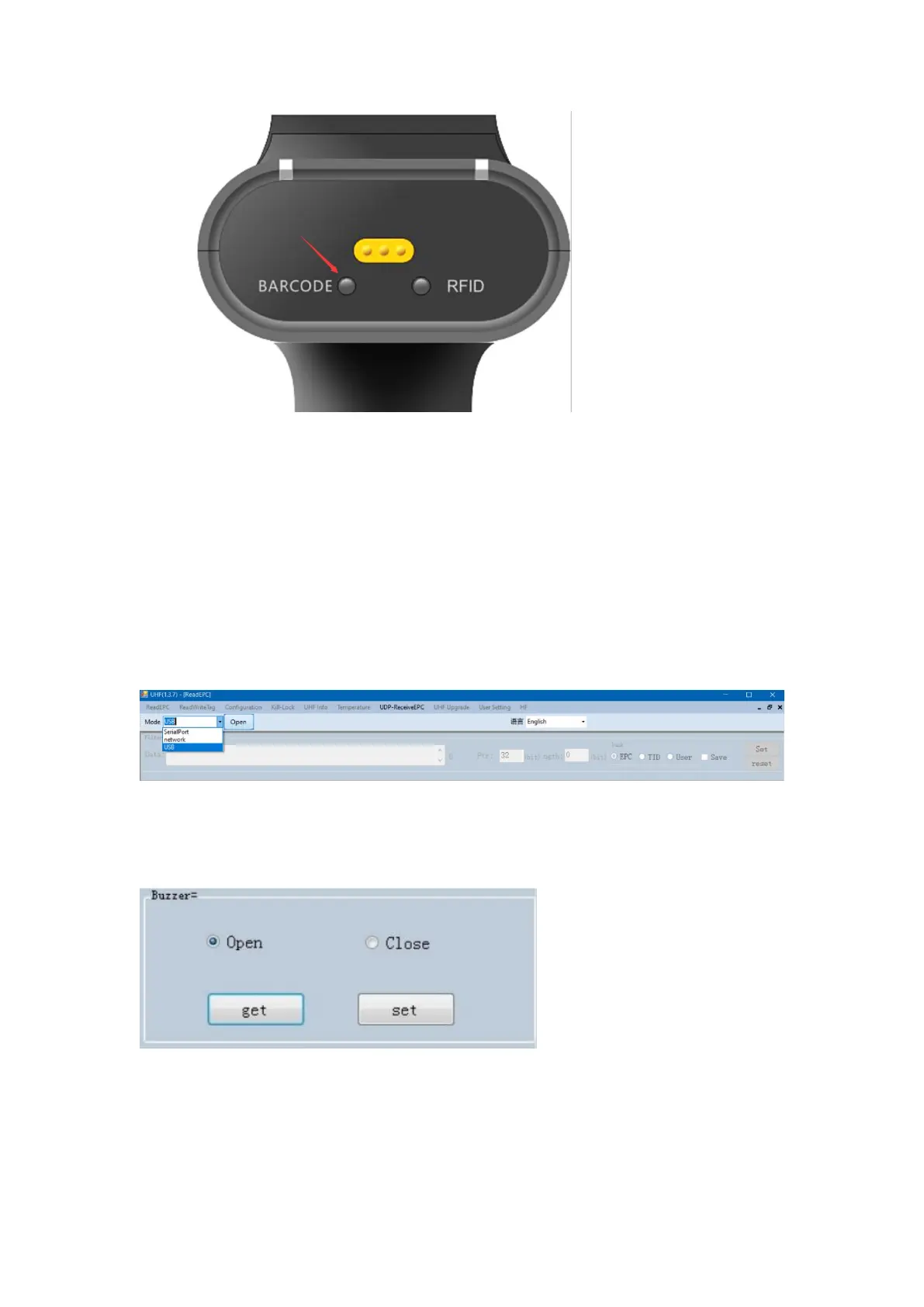
3).Barcode RFID hybrid mode
Scan UHF tag and barcode at same time, take the data obtained first
as the final data.
Switch the function to dual mode through the yellow switch button on
the back of the device. BARCODE mode light On, RFID mode light.
5. Parameter Setup
Connect the SR160 scanner with computer through its cable, open the
windows connection program UHFAPP, select USB as the communication
mode, and click the "Open" button to connect.
Set the buzzer, turn on the buzzer, and the device will emit a prompt tone
when reading tags. Turn off the buzzer, and the device will not emit a prompt
tone when reading the tag.
User Settings:
The special customization function is configured in user setting. The
customization function is not described here.



 To Next Page