PROGRAMMING MODEL 33LMC ONLY
Install the control station and receiver where the door is visible, but away from the door and its
hardware. When a receiver is used to activate a commercial door opener, a reversing edge MUST
be installed on the bottom of the door. Failure to install a reversing edge under these
circumstances may result in SERIOUS INJURY or DEATH to persons trapped beneath the door.
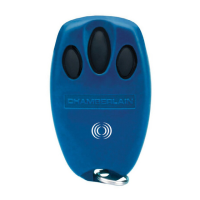
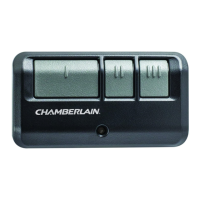
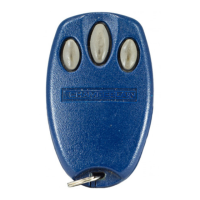
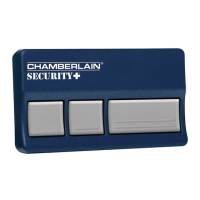
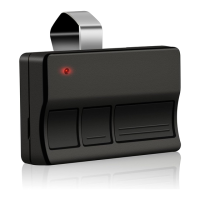
Model 33LM 3-button remote controls can also be used with a 423LM 3-channel receiver and a
3-button door control to activate a commercial door operator in OPEN, CLOSE, and STOP mode.
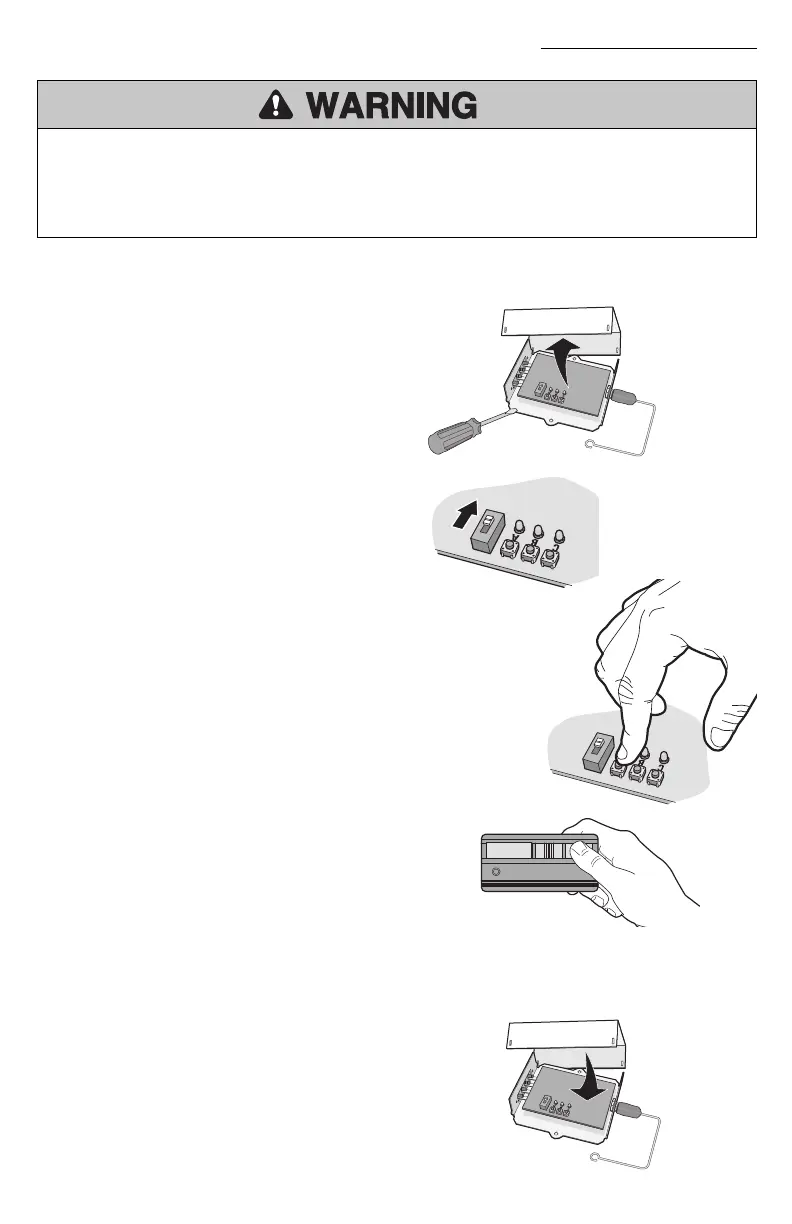
1
Use a screwdriver to pry open the receiver
cover.
2
Verify that the slide switch on receiver is
set to the N.C. position (other wise the
commercial door operator will not
operate).
4
Within 30 seconds press and release the
red button on the remote control. The red
button is now programmed for CLOSE
mode.
NOTE: If the remote control button is not
pressed within 30 seconds, the LED next
to the selected Smart/Learn button will
turn OFF. In that case, press the
Smart/Learn button again to repeat
programming.
3
Press and release the Smart/Learn button
labeled “A” on the receiver. The adjacent
LED will flash.
5
Repeat the steps 3-4 above with the yellow button on the remote control and the receiver
Smart/Learn button “B” to program the CLOSE mode; and again with the green button on the remote
control and the receiver Smart/Learn button “C” to program the OPEN mode.
Replace the receiver cover.
3
1
3
4
5
“A” Smart/Learn Button
2
N.C.
Slide
Switch



 To Next Page