4
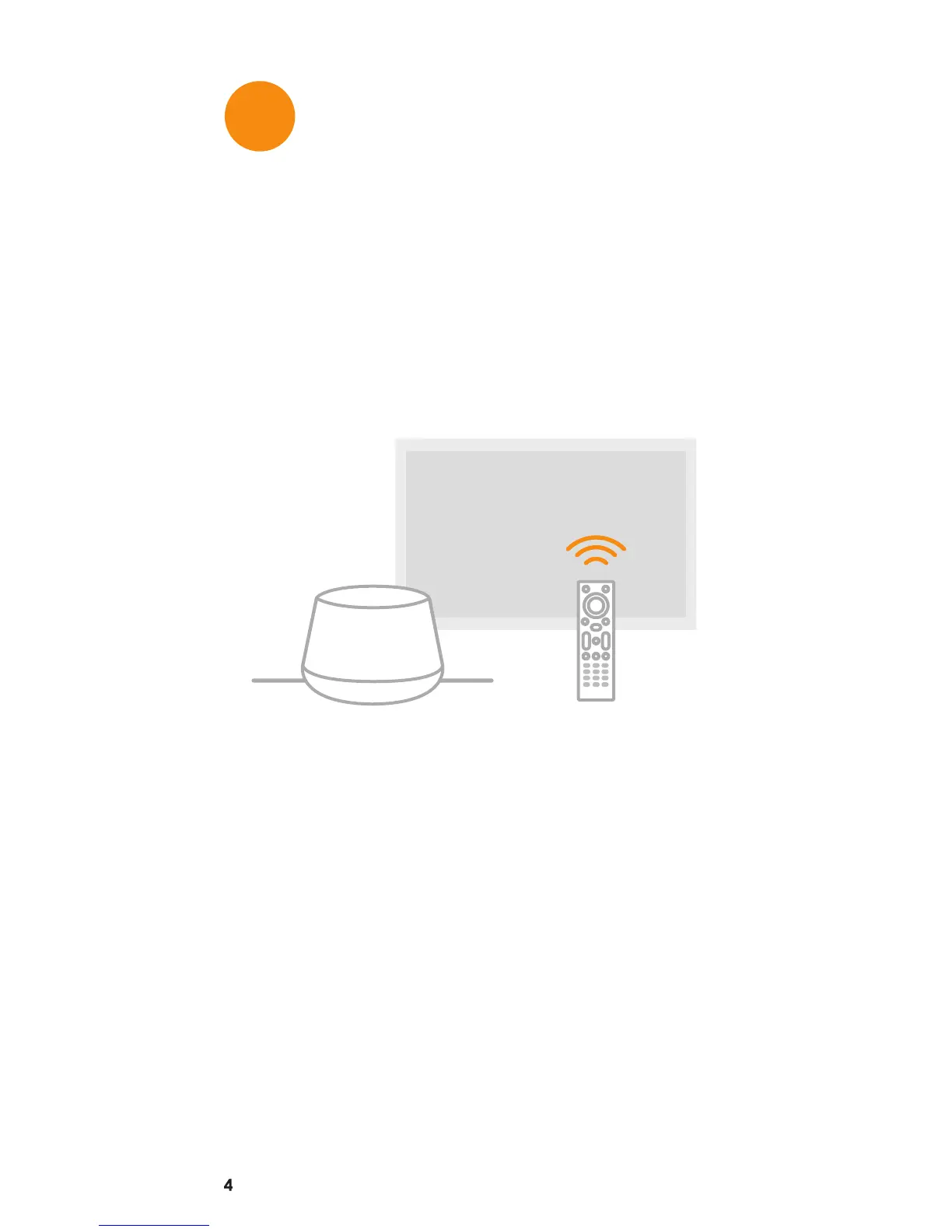
On-screen Setup Wizard
Upon successful completion of steps 1
through 4. Double check your connections
are secure and that the selected HDMI input
on your TV is correct. Follow the on-screen
instructions to complete the installation.
Note: If you need additional assistance
please refer to the FAQ section in this Quick
Start Guide or visit
www.ChannelMaster.com/Support.
USE
5


 To Next Page