If regulations permit, the macerator can be used to pump waste
from the holding tank overboard. The MACERATOR circuit breaker
at the battery selector switch panel protects the power supply to the
macerator. The macerator pulls the waste from the holding tank,
grinds the waste into small particles, and pumps the waste over-
board through a hull discharge fitting above the water line.
Follow these procedures to operate the macerator:
1. Switch on the MACERATOR switch in the head compartment.
2. Allow the macerator to run until the holding tank is empty, but
not longer. Running the macerator when the tank is empty
will cause damage to the pump.
3. When you hear the pump speed up (indicates tank is empty),
immediately turn the switch off.
Note: If the macerator won’t turn on, check the circuit breaker
at the battery switch panel. If resetting the breaker doesn’t
allow the macerator to turn on, see your dealer to determine
the cause of the problem.
3-10
Deck Plate
Level Indicator
Gray Water Tank
G
alley Sink
H
ead Sink
L
evel Indicator
Panel
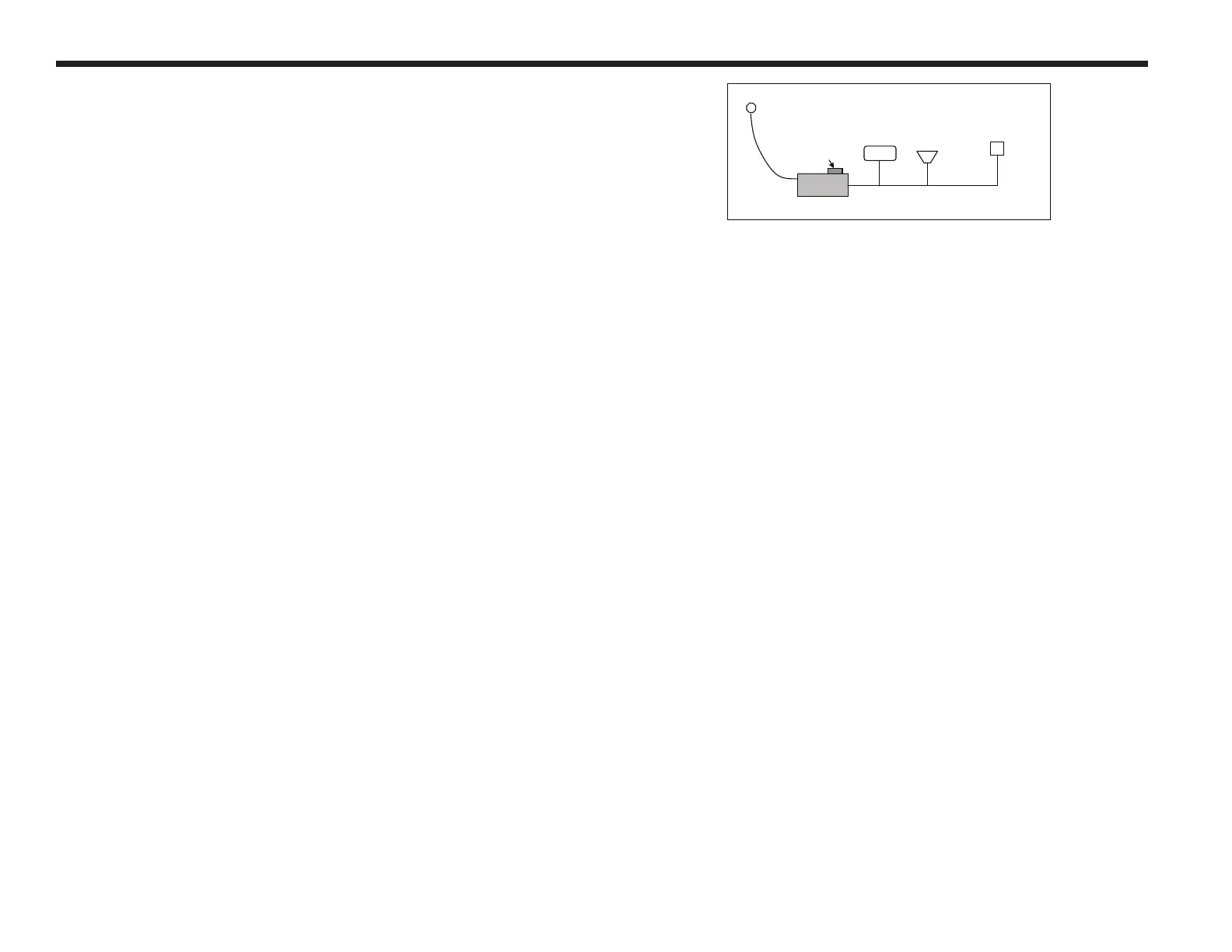
Figure 3.4 Gray water System



 To Next Page