English
8
Maintenance
All maintenance, cleaning and repair operations must be performed with the machine suitably supported, the engine switched off (and cool), and
the ignition keys removed.
Maintenance Schedule
After 1 hour of work
• Check all nuts and bolt for tightness – retighten if required.
• Check belt tension and taper lock tightness – adjust / tighten if required
• Grease main brush rotor bearing
Every 8 hours or daily
CHECK
• Check all nuts and bolt for tightness – retighten if required.
• Check condition in engine air filter – clean / replace as required
• Check wear and condition of brushes
• Check Oil level and top up if necessary
LUBRICATE
• Lubricate main rotor bearings – apply 20 shots of grease to each main rotor bearing
After every 100 hours (or annually, whichever occurs first), in addition to the above
CHECK
• Check belt condition - replace if required
• Check axle bearing condition - replace or lubricate as required
• Check main rotor bearings condition - replace as required
• Check condition of battery & connections
• Check condition of brushes and tines and replace as required
• Check condition of battery cables - replace if damaged
• Grease height adjustment mechanism – apply 20 shots of grease
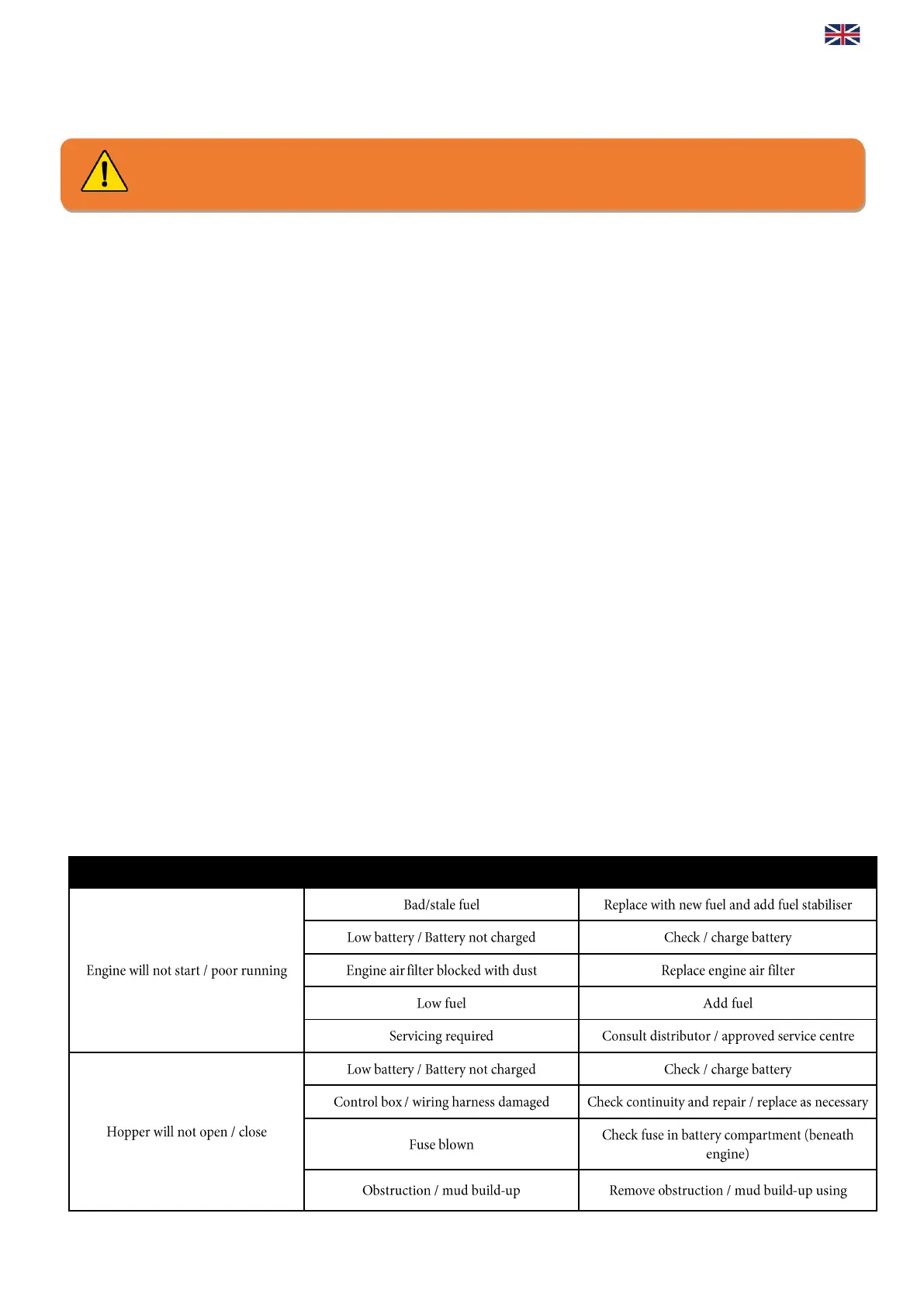
Troubleshooting



 To Next Page