3
Scenario 2: Accessing the Internet Using a Wi-Fi
Network
When you use the CharJi EVO CLOUD in Wi-Fi
coverage areas, for example, an airport, cafe, hotel, or
your home, the CharJi EVO CLOUD can access the
Internet via Wi-Fi networks, helping save your CharJi,
3G, or 2G network usage.
WLAN
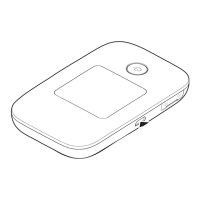
Appearance
MENU
1
3
4
2
Power button
Screen
Micro USB port
MENU button


 To Next Page