2
Application Scenarios
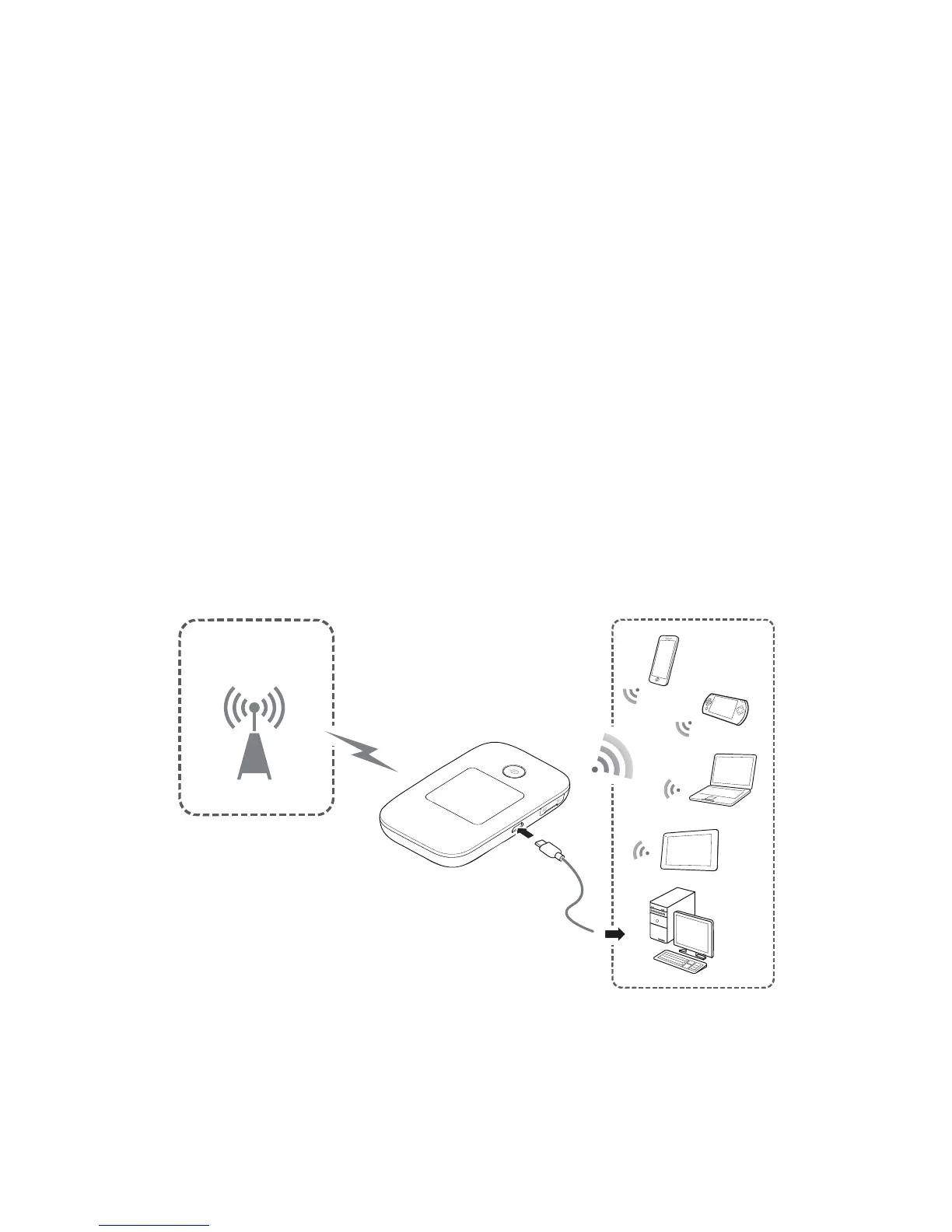
Wi-Fi devices (such as smartphones, tablet computers,
and game consoles) or computers can all access the
Internet through CharJi EVO CLOUD. The specific
connection procedure depends on the operating
system of the Wi-Fi device or computer. Establish a
connection according to your device's specific
instructions.
Scenario 1: Accessing the Internet Using an CharJi, 3G,
or 2G Network
The CharJi EVO CLOUD uses your operator's CharJi, 3G,
or 2G network to access the Internet.
CharJi/3G/2G


 To Next Page