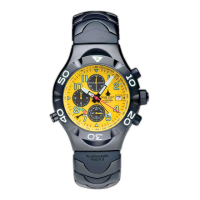
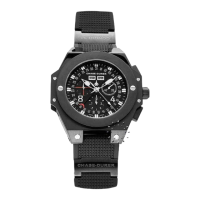
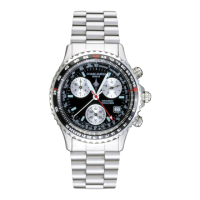
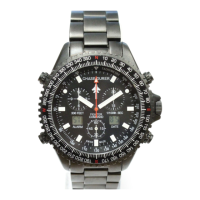
1.
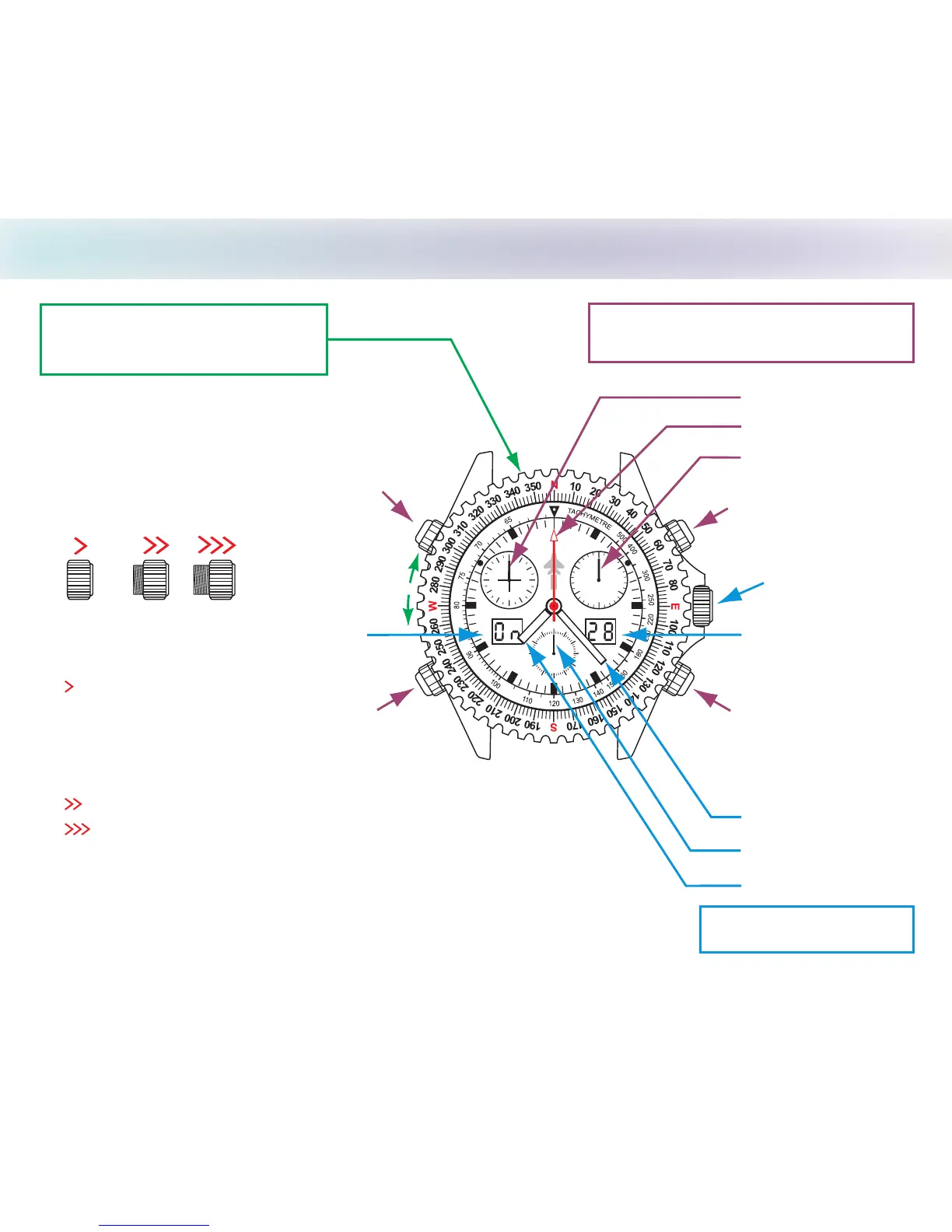
DISPLAY and Screw Down Crown/Pushbuttons
CHASE-DURER
FIGHTER
COMMAND
ALARM DATE
1/100 SEC330 FEET
30
15
9 3
12
6
45 15
60
30
GENEVE
CHRONOGRAPH HANDS
WATCH HANDS
12 hour counter
60 second counter
30 minute counter
*Right LCD
Minute hand
Hour hand
Second hand
Pushbutton A
Setting Crown
Bezel with 360°
Compass Markings
Screw Down Crown
NOTE - Failure to screw down Crown to resist moisture will void your warranty
Screwed
Down
Setting
Positions
Pushbutton B
WARNING: Crown must be locked down in position 1 at all times, use positions
2 & 3 for adjustments only. Pushbuttons do not screw down;
Do not operate pushbuttons under water!
1 crown in and turn clockwise until
tight to lock down.
Turn crown
counterclockwise until you no longer feel the threads
gripping; crown can now be pulled out to positions 2 & 3.
Push
LCD digital display functions are explained in detail on the following pages.
*
Pushbutton D
2 .Date, Time Zone, and LCD adjustment, Chronograph hands reset position
3 Stops second hand, setting minute and hour hands position.
Pushbutton C
*Left LCD
Date Indicator/
1/100 second counter
3
1
2


 To Next Page