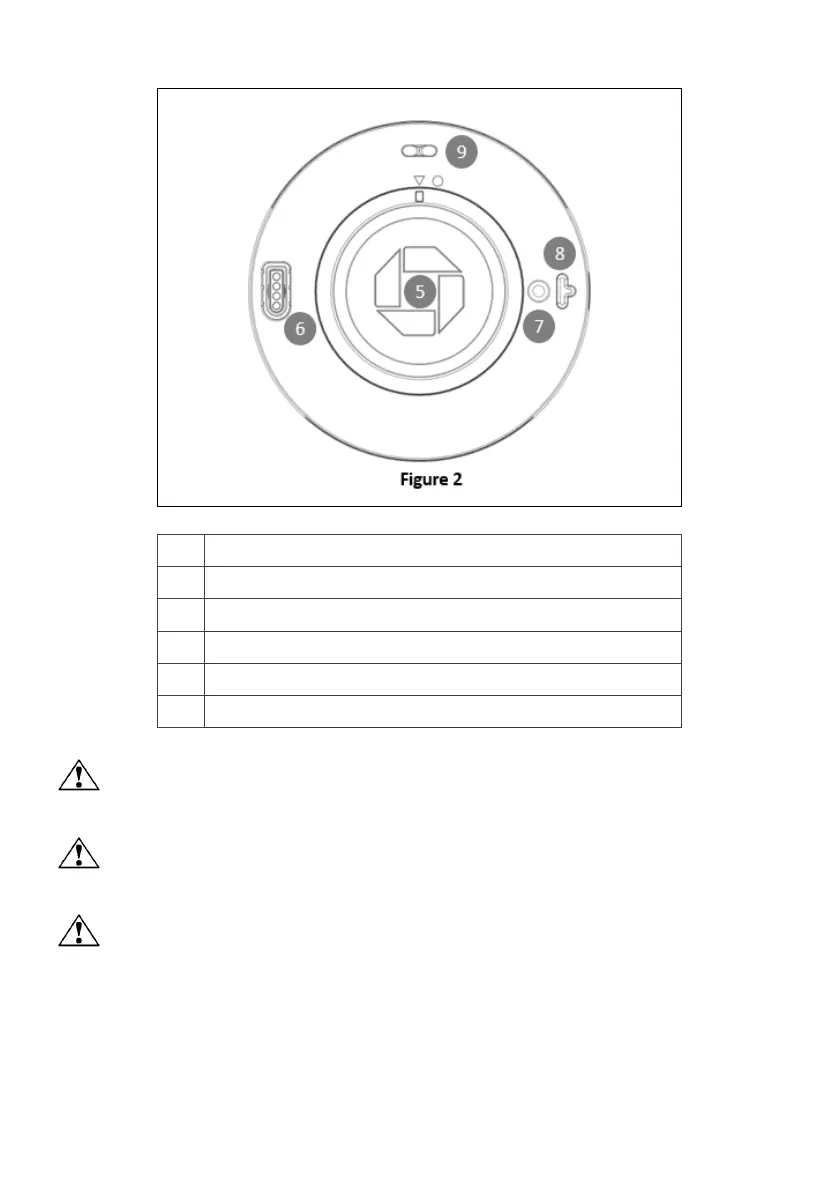
Bottom Cover Removal Warning
When removing the bottom cover for the purposes of changing battery, please remove the
connector gentilely. .
CAUTION:
RISK OF EXPLOSION IF BATTERY IS REPLACED BY AN INCORRECT TYPE. DISPOSE OF USED
BATTERIES ACCORDING TO THE INSTRUCTIONS.
Warning for internal battery pack
To reduce risk of fire or burns:
1. Do not attempt to open, disassemble, or service the battery pack.
2. Charging the battery periodically to ensure the charge/discharge characteristics.



 To Next Page