3. HOW TO POWER ON THE READER
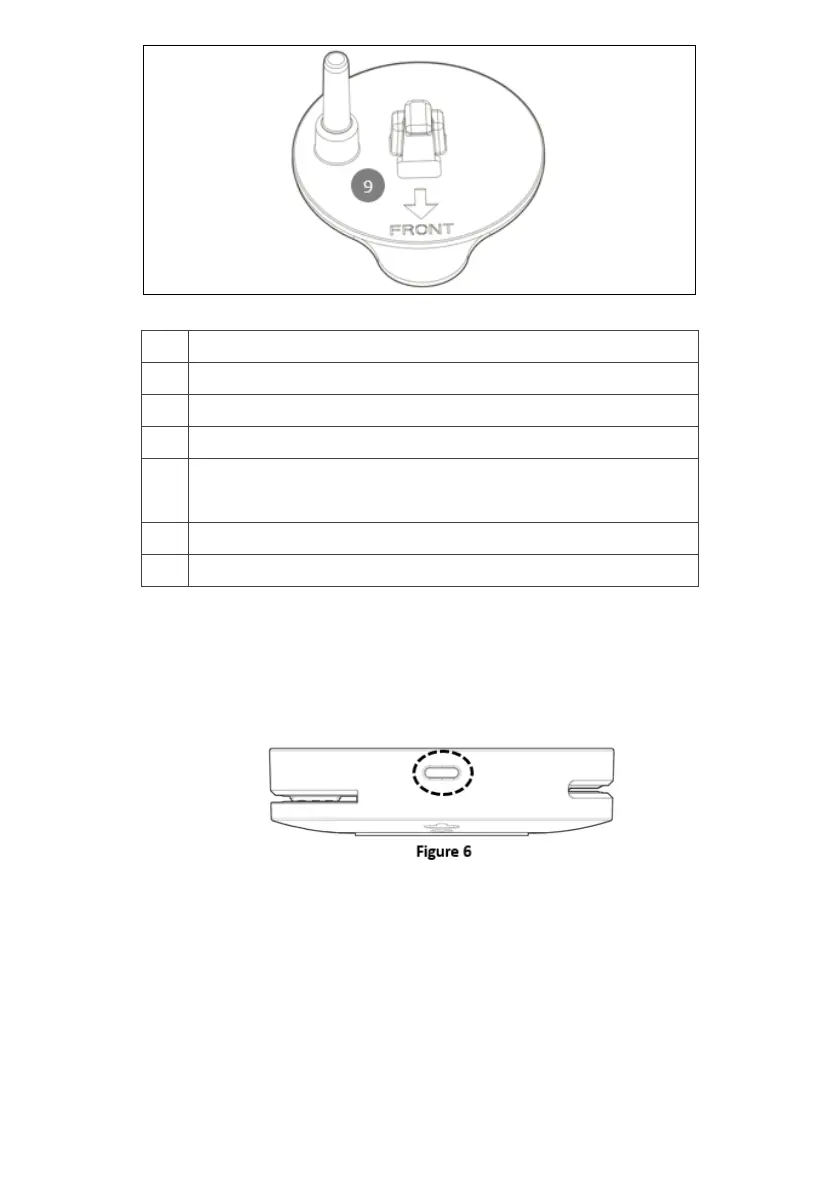
Press the power key >3 seconds as shown on Figure 6 until hearing the beep sound
and the display on. Press the power key >5 seconds to power off the device.
4. HOW TO DO THE PAYMENT TRANSACTION
4.1 CONTACTLESS READER
Tap your card onto the EMV contactless logo shown on display to do the transaction.
The virtual LED on display shows the payment progress. Shown as Figure 7.



 To Next Page